Immobilien & Verwaltung6 Min Lesezeit

Key Handover Protocol Template – Digital Key Receipt for Landlords & Businesses

Securing the handover of keys is essential in both tenancies and daily business operations. With ProtocolHero's digital key handover protocol template, you can track all issued and returned keys seamlessly, securely, and paperlessly on your smartphone or tablet.

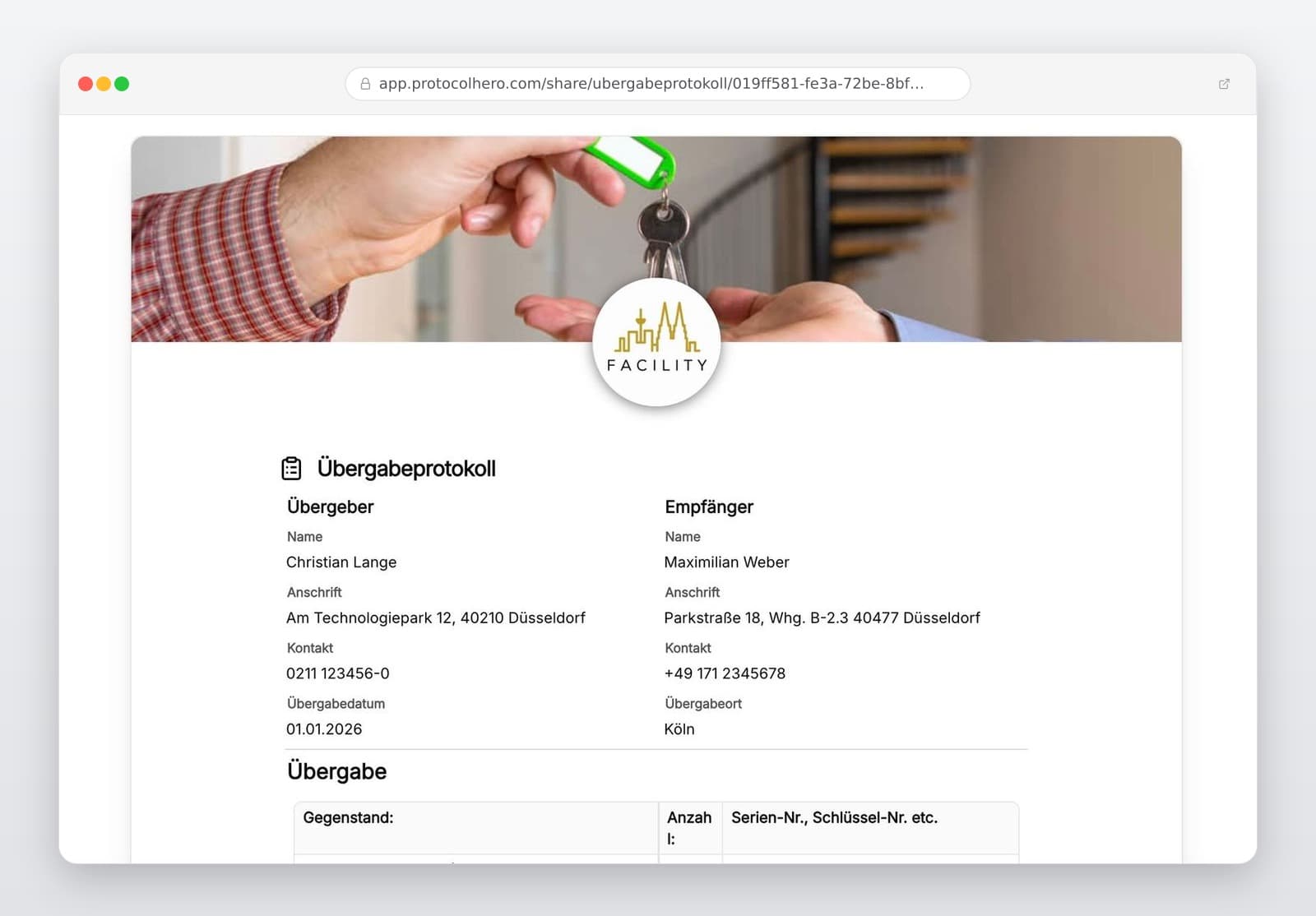
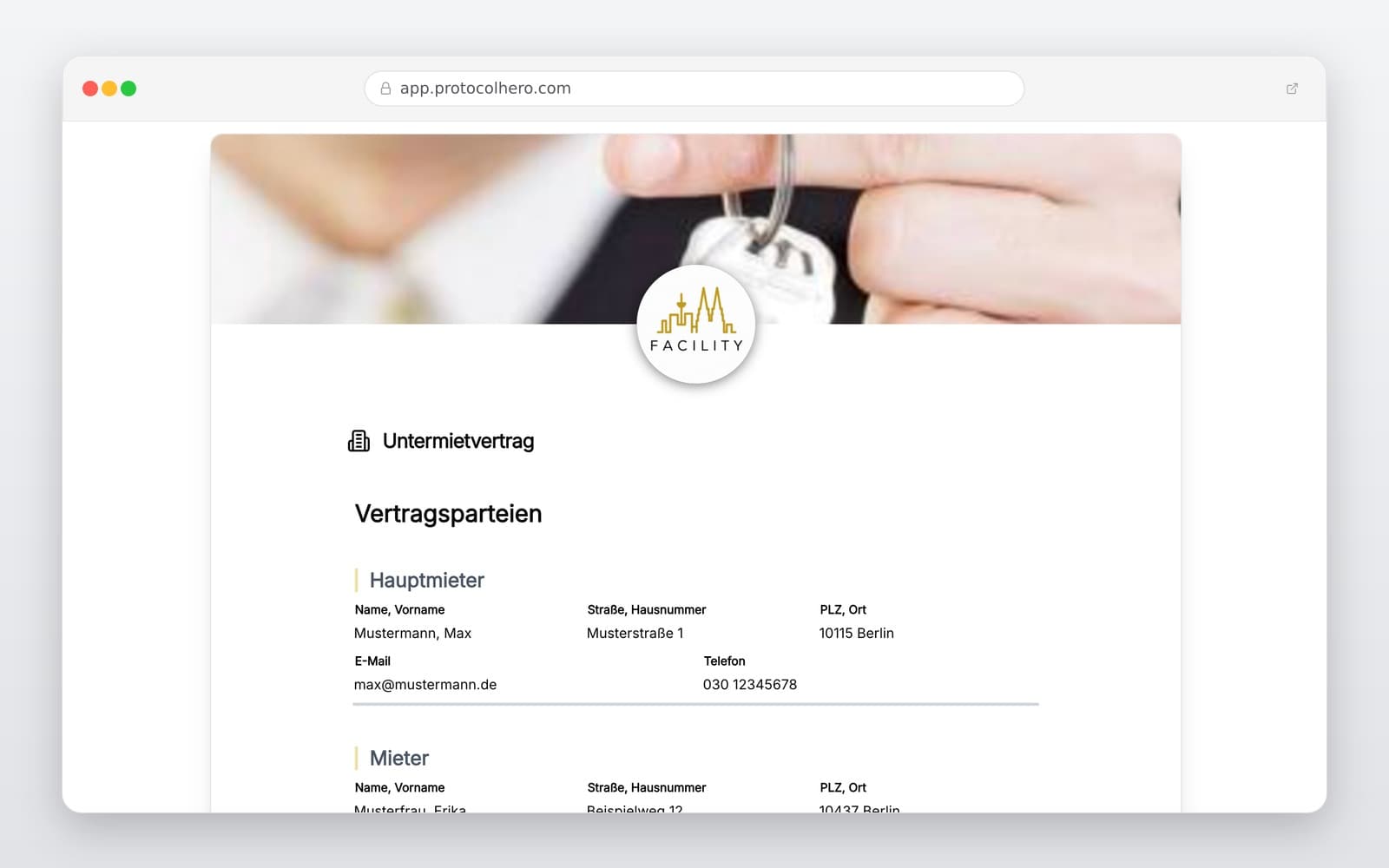
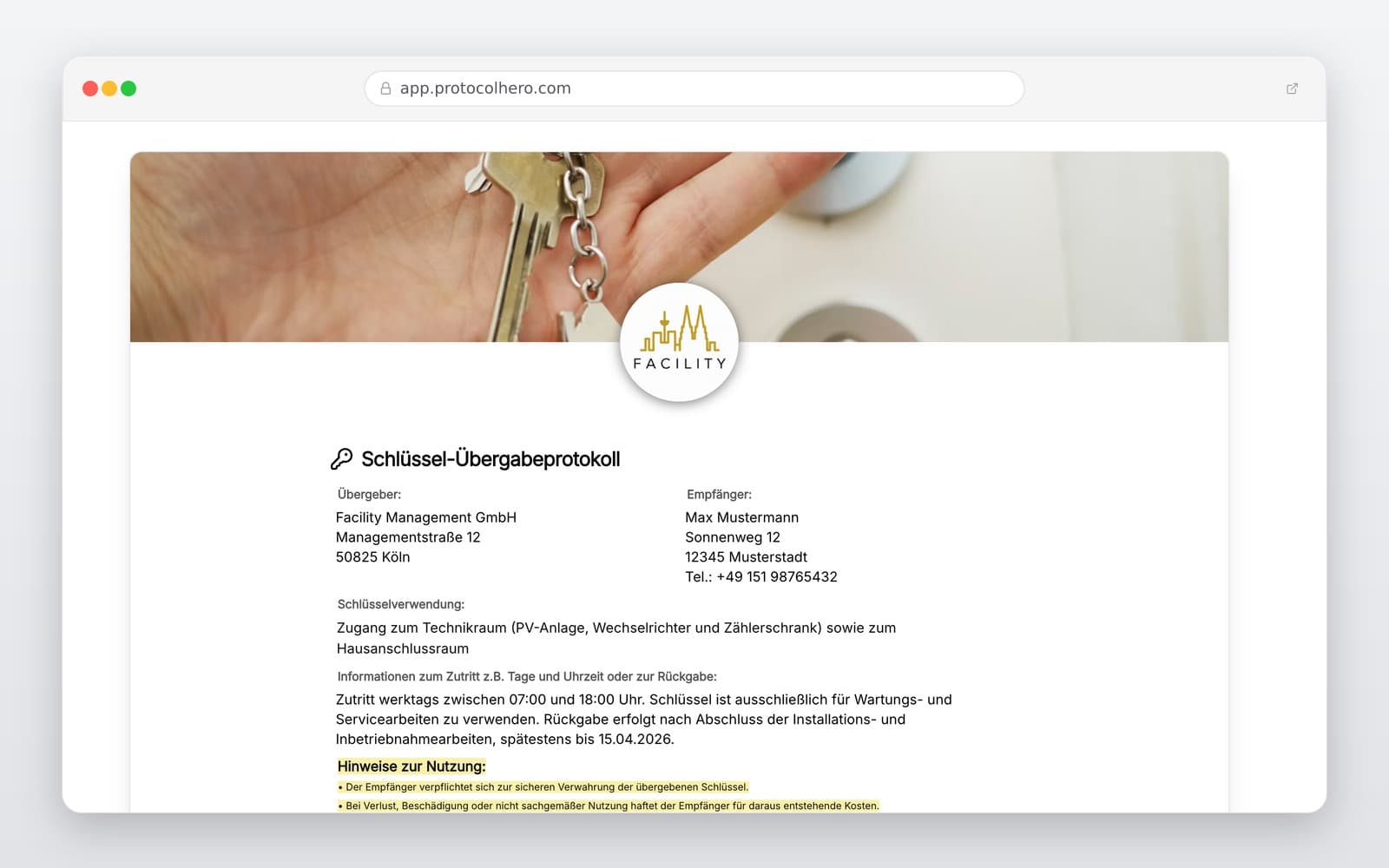
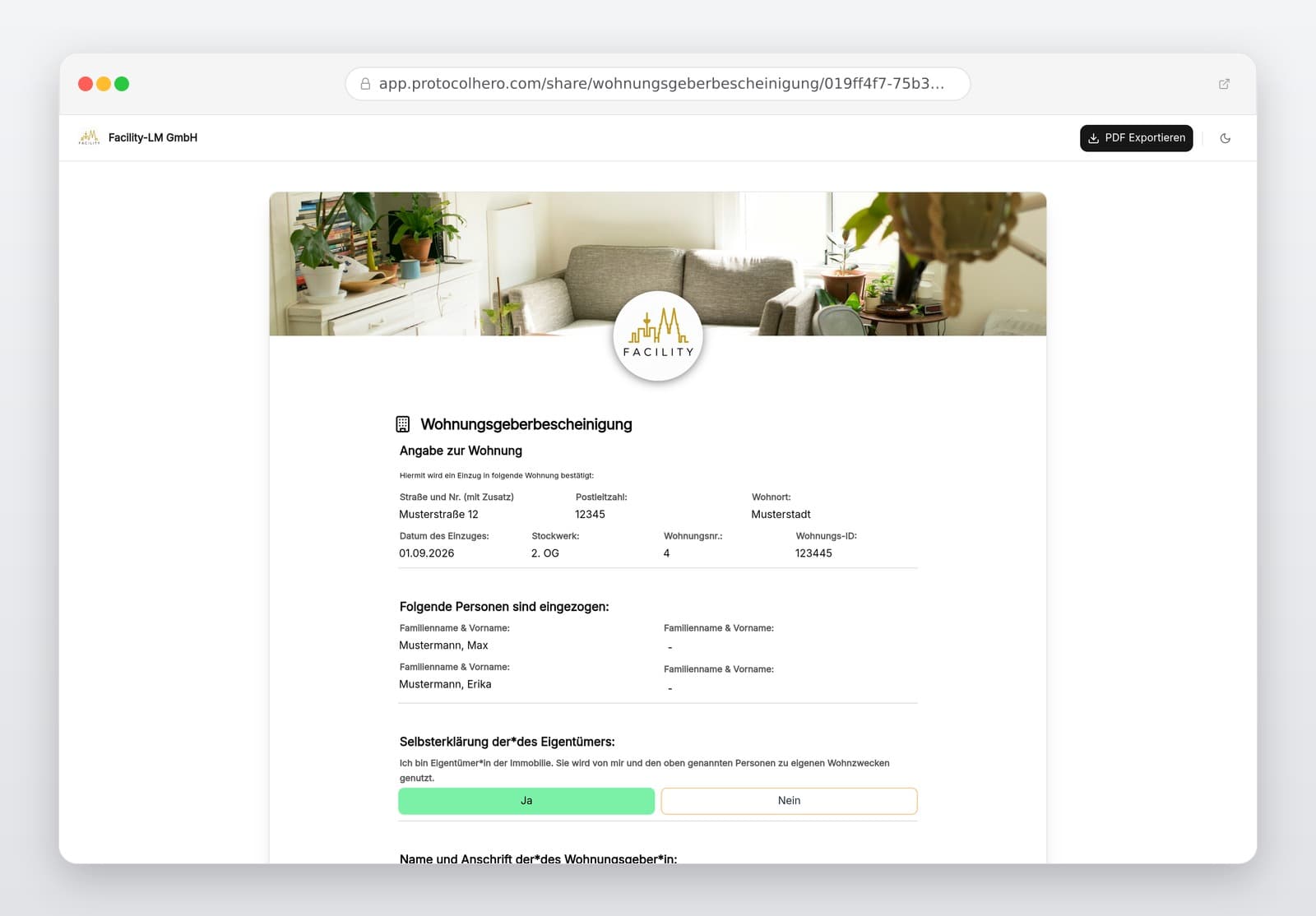
Preview of the “Key Handover Protocol Template – Digital Key Receipt for Landlords & Businesses” template
Create free account
Inhalt der Vorlage

What is included in the template?

Details of the property or building

Information on the handing and receiving parties

Date and time of the key handover

Type and exact number of keys handed over

Assignment to apartment, room, or locking zone

Documentation of key numbers and markings

Remarks on the handover or return condition

Confirmation of handover with digital signatures

Live form

Fill out this template directly in the browser

No install needed — complete the form below, attach photos, and submit. Create a free account anytime to save and reuse your own templates.

Document Key Handovers Digitally Now

Use ProtocolHero to fill out key protocols securely on-site and have them signed digitally right away.

1. What Belongs in a Professional Key Handover Protocol?

When handing over keys, simply stating that 'keys were handed over' is not enough. To avoid future misunderstandings or financial liabilities, every key type and its exact quantity must be documented in detail.

A complete protocol always answers four core questions: Who received the key? How many keys were issued? Which property or room does the key belong to? When did the handover take place? Standard property management guidelines recommend separate tracking of different key types.

Typical key types that should be listed individually in the protocol:

  • Apartment and front door keys
  • Mailbox and basement keys
  • Garage keys or remote transmitters
  • Keys for common areas (e.g., laundry room, bicycle cellar)
  • Specific keys for technical rooms or master key systems
2. Key Handover During Move-In and Move-Out

Especially in residential rentals, the key protocol serves as indispensable evidence. Upon move-in, the landlord or property manager documents exactly which keys are handed over to the new tenant. Consumer protection organizations strongly recommend keeping a written record of the exact number of keys.

When the tenant moves out, they are legally obliged to return the rented property (such as under § 546 BGB in Germany). The move-in protocol serves as a direct reference: if 3 apartment keys, 2 front door keys, and 1 basement key were handed over at move-in, exactly these keys must be returned at move-out.

Please note: A signed protocol serves as strong evidence of the handover state but does not automatically resolve all complex legal tenancy issues on its own.

3. Typical Mistakes to Avoid During Key Handovers

In practice, documentation errors frequently lead to disputes later on. The most common mistake is imprecise recording, such as simply writing '5 keys handed over'. Without specific assignment (e.g., 2x apartment, 1x front door, 1x basement, 1x mailbox), it is nearly impossible to prove which key is missing.

Other typical mistakes to avoid:

  • Missing handover dates or incomplete names of the parties involved
  • Handing over keys to contractors or service providers without a written receipt
  • Confirming key returns only verbally rather than in writing
  • Failing to document engraved key numbers for master key systems

4. Key Handovers for Employees, Contractors, and Facility Management

A professional key handover protocol is by no means limited to residential tenants. Businesses and facility managers use this template daily to track keys issued to employees, cleaning crews, caretakers, or external contractors.

For instance, if a cleaning service requires temporary access to a building or a technician needs entry to a server room, the protocol allows you to log digitally who holds the key, since when, and when it was returned.

If a key is lost, digital documentation helps immediately identify the affected locking zone and key number. Note: A documented loss does not automatically mean the recipient must cover the entire cost of replacing a master key system – this always depends on negligence and specific contractual agreements.

5. Efficient Workflow: Go Direct and Digital

With ProtocolHero, you digitalize the entire process directly on-site. Open the template on your smartphone or tablet, enter the property and recipient, select the key types, and enter the quantities. Both parties sign directly on the touchscreen.

The completed PDF protocol is automatically generated and sent via email. No scanning paper receipts, no searching through physical binders. This digital workflow integrates perfectly with our digital apartment handover template to manage the entire move-in and move-out process seamlessly.

Häufige Fragen

Fragen zur Vorlage „Key Handover Protocol Template"

Mehr als eine Vorlage

Was ProtocolHero zusätzlich für dich übernimmt

Eine Vorlage allein ist erst der Anfang – ProtocolHero macht aus jedem Protokoll einen durchgängigen digitalen Workflow mit KI-Unterstützung, Workflow-Freigaben und revisionssicherem Archiv.

HERO Assistant – KI-Chat für Dokumentenerstellung

Der HERO Assistant ist der eingebaute KI-Chat von ProtocolHero. Du kannst per Spracheingabe ein komplettes Dokument anlegen lassen oder ein bestehendes PDF, Foto oder Word-Dokument hochladen – die KI liest die Struktur aus und baut eine wiederverwendbare Vorlage daraus.

Auto-Fill aus Sprache, Foto und Datei

Beim Ausfüllen kannst du das Dokument per Sprachsteuerung diktieren – die KI ordnet die Inhalte automatisch den richtigen Feldern zu. Oder du lädst Fotos, Scans, Verträge, Datenblätter oder Ausweise hoch: Der HERO Assistant extrahiert die Daten und befüllt das Formular vor – du prüfst und unterschreibst.

Foto- und Video-Upload direkt im Dokument

Zu jedem Bauteil, Messpunkt oder Schadensbild kannst du Fotos und Videos direkt aus der App anhängen. Videos sind besonders nützlich, wenn ein Schadensbild dynamisch ist – ein einzelnes Standbild würde den Befund nicht ausreichend dokumentieren.

Kommentare als Aufgaben – intern und mit dem Kunden

Jede Position im Dokument kann kommentiert und als Aufgabe an einen Kollegen, an dich selbst oder direkt an den Kunden zugewiesen werden. Kommentare können wahlweise rein intern bleiben oder im freigegebenen Kundenlink mitgeteilt werden.

Workflow: Bearbeiter zuweisen, Prüfer freigeben

Dokumente lassen sich an Kollegen weiterleiten und können einen festen Prüfer haben, der die letzte fachliche Freigabe erteilt, bevor das Dokument unterschrieben oder an den Kunden geht.

Activity-Log für lückenlose Nachvollziehbarkeit

Jedes Dokument hat einen vollständigen Aktivitäts-Verlauf: Wer hat wann was geändert, kommentiert, hochgeladen, freigegeben, unterschrieben. Das Log ist auf Wunsch auch im Kunden-Freigabelink sichtbar – ideal für Auditoren, Versicherer und Kunden.

Eindeutige Protocol-ID je Dokument

Jedes Dokument bekommt automatisch eine eindeutige Protocol-ID, mit der es sich zweifelsfrei referenzieren, verlinken und im Audit-Trail wiederfinden lässt.

Automatische Berichts-Nummerierung

Neu

Fortlaufende, lückenlose Berichts-Nummern (z. B. Protokoll-2026-001, 002, 003 …) je Dokumenttyp und Kunde – ohne manuelles Vergeben, ohne Dubletten.

Web-Formular & Inbox

Neu

Vorlagen lassen sich als öffentliches Web-Formular auf der eigenen Website einbinden – ein ausgefülltes Dokument landet automatisch in deiner ProtocolHero-Inbox zur Weiterbearbeitung.

QR-Code-Etiketten für Anlagen und Bauteile

Neu

QR-Code-Etiketten pro Anlage, Bauteil oder Abschottung, die beim Scannen direkt das hinterlegte Protokoll, die Historie und alle Wartungs- bzw. Prüfdokumente öffnen.

2.103 × genutzt

Diese Vorlage in 2 Minuten selbst nutzen

Vorlage übernehmen, an deinen Betrieb anpassen und direkt vor Ort ausfüllen – kostenlos testen, keine Kreditkarte nötig.