Personal & HR6 Min Lesezeit

Timesheet Template – Digital Work Hours Tracker for Crafts & Field Service

With our timesheet template, your employees can easily document their work hours, breaks, and performed tasks directly on-site. Eliminate illegible paper slips and missing project links – creating a reliable data foundation for your office.

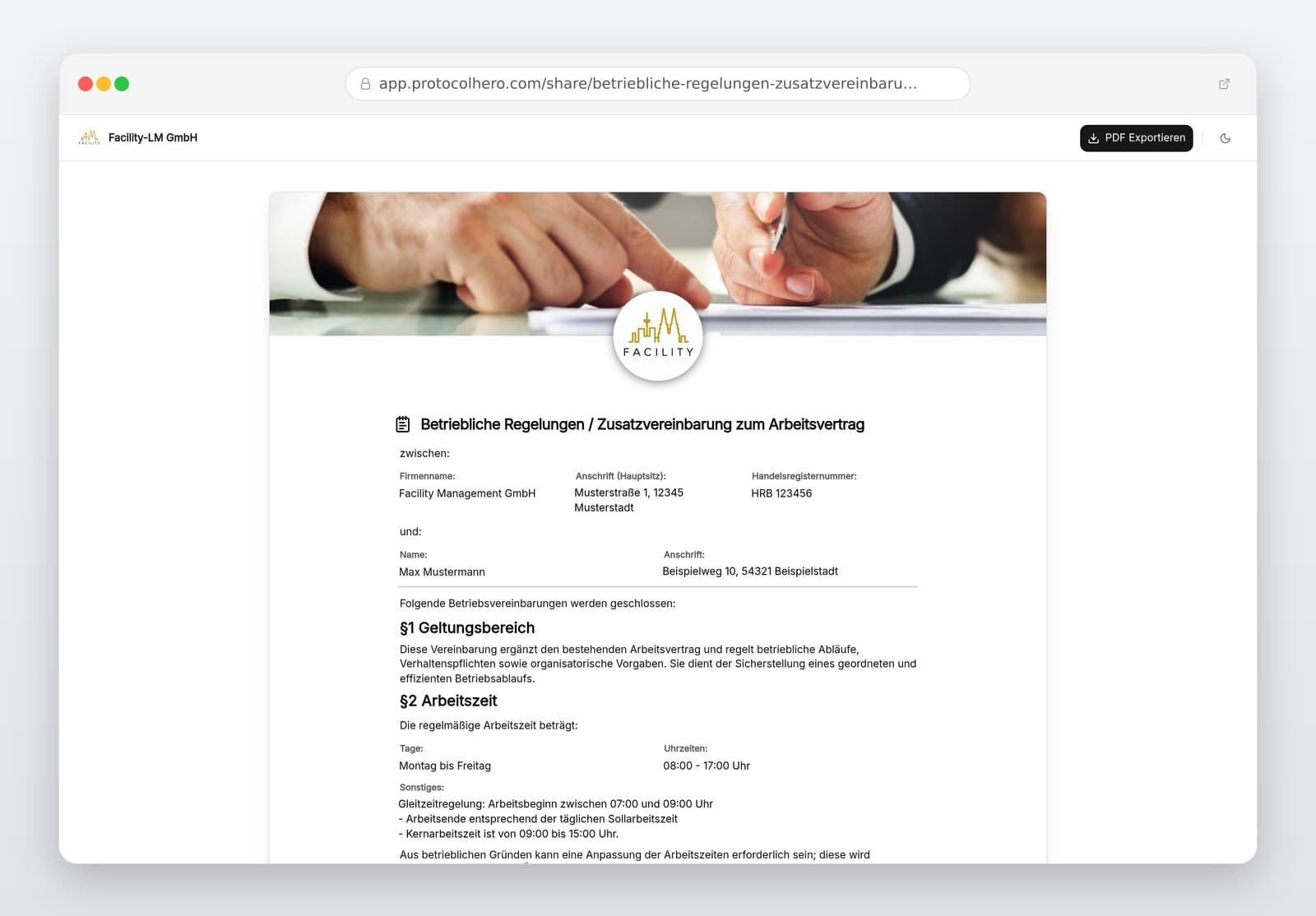
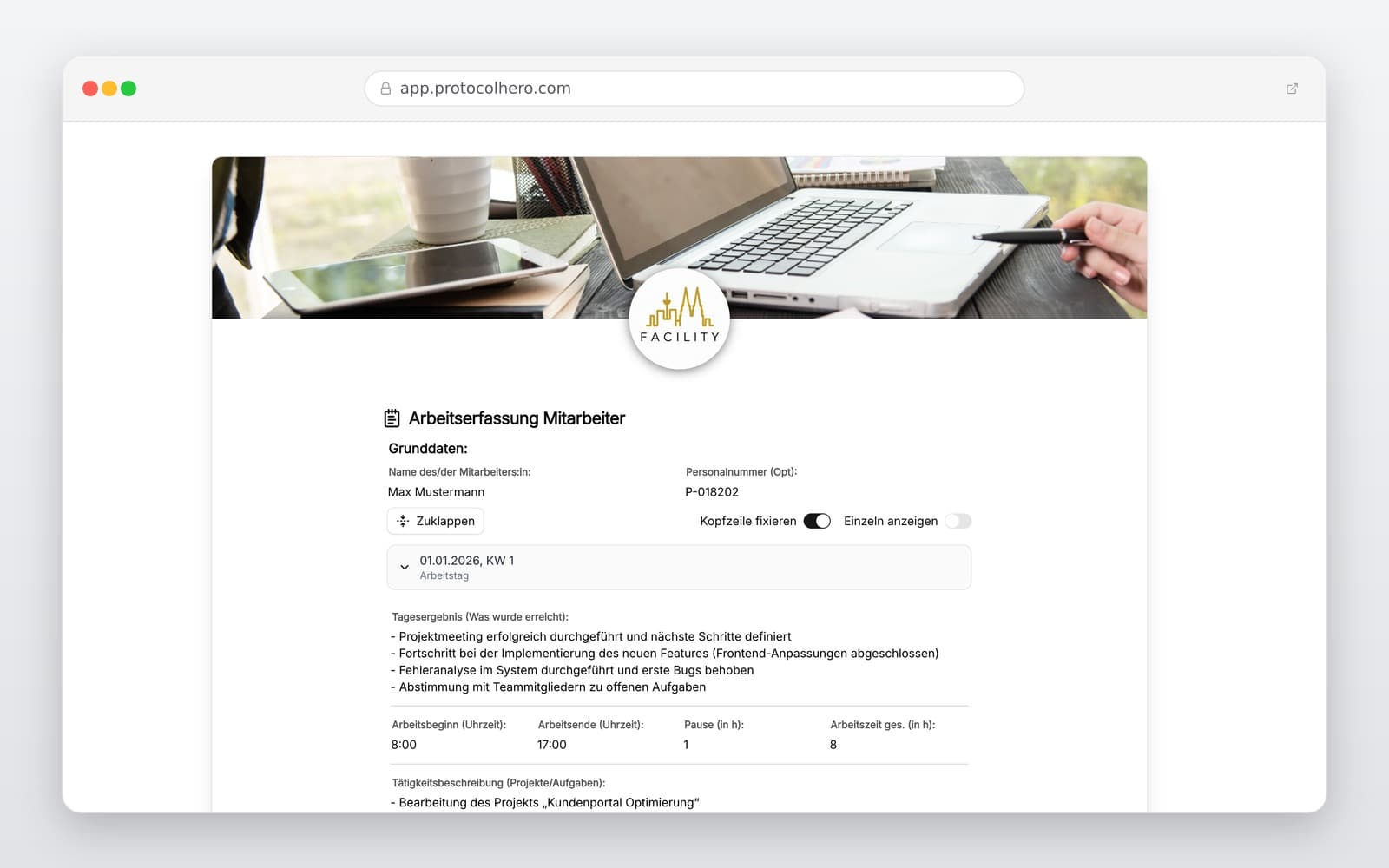
Preview of the “Timesheet Template – Digital Work Hours Tracker for Crafts & Field Service” template
Create free account

Short answer

What is the “Timesheet Template – Digital Work Hours Tracker for Crafts & Field Service” template for?

Free timesheet template for craft businesses & field service. Track work hours, breaks, and tasks digitally. Try ProtocolHero for mobile time tracking!

Use case
Personal & HR
Captured data
Employee details, date, and optional staff ID, Customer, construction site, project, or exact location, Start and end of daily working hours and break durations
Result
A structured form that can be completed directly in the browser and reused in ProtocolHero.

Check the template against the technical, contractual and legal requirements of the specific case. ProtocolHero does not replace professional assessment.

Inhalt der Vorlage

What is included in the timesheet template?

Employee details, date, and optional staff ID

Customer, construction site, project, or exact location

Start and end of daily working hours and break durations

Detailed description of the performed tasks

Allocation of worked hours to a specific order or project

Automatic calculation of total hours and additional comments

Digital confirmation and sign-off by employee and supervisor

Live form

Fill out this template directly in the browser

No install needed — complete the form below, attach photos, and submit. Create a free account anytime to save and reuse your own templates.

Track Work Hours Mobily and Error-Free

Test ProtocolHero for free today and digitize your timesheets directly on smartphones.

What belongs in a professional work hours tracker?

Seamless documentation of working hours is the foundation for fair payroll and precise project post-calculation in the crafts sector. According to European and national court rulings, employers must provide a system to record daily working hours. The primary focus is to traceably document the start, end, and actual duration of work.

For craft and field service businesses, a simple clock-in and clock-out system is rarely enough. To properly reflect daily operations on-site, project-relevant details must be captured alongside the timestamps. This includes the client, the specific construction site, and the tasks performed.

  • Precise Tracking: Log start times, end times, and break durations down to the minute.
  • Task Description: Use descriptive entries like 'Installation of distribution board' instead of generic terms.
  • Project Assignment: Directly allocate hours to the corresponding customer order.
Documenting Work Hours, Breaks, and Totals Correctly

In the hectic daily routine of a construction site, labor regulations regarding rest periods can easily be overlooked. However, the correct tracking of breaks is a legal requirement and serves to protect employees. Breaks do not count as working hours and must be deducted from total attendance.

Standard labor laws require a minimum rest break of 30 minutes for shifts lasting six to nine hours, and 45 minutes for shifts exceeding nine hours. Our template helps you neatly separate these times, ensuring your back office prepares payroll based on valid data. Please note that specific industry agreements or collective bargaining rules may apply.

Stop the Paper Chaos: Avoid Typical Timesheet Mistakes

We all know the scenario: on Friday afternoon, employees try to reconstruct their timesheets for the entire week from memory. The results are incomplete entries, illegible handwriting, and unallocated hours. The office then has to spend hours chasing down details or manually transferring data from WhatsApp messages into Excel.

A structured, digital tracking system directly on-site solves this issue. When field technicians log their hours immediately after finishing a job, no details are lost. Accurate project allocation not only simplifies billing but also provides valuable data for future job costing.

  • Avoid logging total hours without specific start and end times.
  • Ensure break times are consistently deducted from total hours.
  • Record detailed task descriptions to avoid disputes during client billing.
  • Consistently separate hours worked on different projects or sites.

Digital Workflow On-Site: How Simple It Is

The digital workflow with ProtocolHero saves valuable minutes every day: the employee arrives on-site, opens the timesheet app on their smartphone, and selects the active job. Upon finishing, they log their tasks and breaks. With a single click, the completed report is transmitted digitally to the office.

This setup is highly beneficial for businesses with rotating job sites, customer service operations, or multiple service calls per day. The logged times seamlessly integrate into your entire workflow: from order placement to service reports and travel expense claims, creating a fully digital chain.

Legal Compliance & Specific Industry Requirements

Courts have reinforced that employers are obligated to record the start, end, and duration of daily work. While a strictly electronic format is not universally mandated for every single business yet, it is highly recommended and increasingly expected by regulatory bodies.

Additionally, sectors like construction, facility management, and logistics face stricter documentation requirements linked to minimum wage laws. A structured template ensures you always have the necessary proof ready for potential audits by labor authorities.

Häufige Fragen

Fragen zur Vorlage „Timesheet Template"

Mehr als eine Vorlage

Was ProtocolHero zusätzlich für dich übernimmt

Eine Vorlage allein ist erst der Anfang – ProtocolHero macht aus jedem Protokoll einen durchgängigen digitalen Workflow mit KI-Unterstützung, Workflow-Freigaben und revisionssicherem Archiv.

HERO Assistant – KI-Chat für Dokumentenerstellung

Der HERO Assistant ist der eingebaute KI-Chat von ProtocolHero. Du kannst per Spracheingabe ein komplettes Dokument anlegen lassen oder ein bestehendes PDF, Foto oder Word-Dokument hochladen – die KI liest die Struktur aus und baut eine wiederverwendbare Vorlage daraus.

Auto-Fill aus Sprache, Foto und Datei

Beim Ausfüllen kannst du das Dokument per Sprachsteuerung diktieren – die KI ordnet die Inhalte automatisch den richtigen Feldern zu. Oder du lädst Fotos, Scans, Verträge, Datenblätter oder Ausweise hoch: Der HERO Assistant extrahiert die Daten und befüllt das Formular vor – du prüfst und unterschreibst.

Foto- und Video-Upload direkt im Dokument

Zu jedem Bauteil, Messpunkt oder Schadensbild kannst du Fotos und Videos direkt aus der App anhängen. Videos sind besonders nützlich, wenn ein Schadensbild dynamisch ist – ein einzelnes Standbild würde den Befund nicht ausreichend dokumentieren.

Kommentare als Aufgaben – intern und mit dem Kunden

Jede Position im Dokument kann kommentiert und als Aufgabe an einen Kollegen, an dich selbst oder direkt an den Kunden zugewiesen werden. Kommentare können wahlweise rein intern bleiben oder im freigegebenen Kundenlink mitgeteilt werden.

Workflow: Bearbeiter zuweisen, Prüfer freigeben

Dokumente lassen sich an Kollegen weiterleiten und können einen festen Prüfer haben, der die letzte fachliche Freigabe erteilt, bevor das Dokument unterschrieben oder an den Kunden geht.

Activity-Log für lückenlose Nachvollziehbarkeit

Jedes Dokument hat einen vollständigen Aktivitäts-Verlauf: Wer hat wann was geändert, kommentiert, hochgeladen, freigegeben, unterschrieben. Das Log ist auf Wunsch auch im Kunden-Freigabelink sichtbar – ideal für Auditoren, Versicherer und Kunden.

Eindeutige Protocol-ID je Dokument

Jedes Dokument bekommt automatisch eine eindeutige Protocol-ID, mit der es sich zweifelsfrei referenzieren, verlinken und im Audit-Trail wiederfinden lässt.

Automatische Berichts-Nummerierung

Neu

Fortlaufende, lückenlose Berichts-Nummern (z. B. Protokoll-2026-001, 002, 003 …) je Dokumenttyp und Kunde – ohne manuelles Vergeben, ohne Dubletten.

Web-Formular & Inbox

Neu

Vorlagen lassen sich als öffentliches Web-Formular auf der eigenen Website einbinden – ein ausgefülltes Dokument landet automatisch in deiner ProtocolHero-Inbox zur Weiterbearbeitung.

QR-Code-Etiketten für Anlagen und Bauteile

Neu

QR-Code-Etiketten pro Anlage, Bauteil oder Abschottung, die beim Scannen direkt das hinterlegte Protokoll, die Historie und alle Wartungs- bzw. Prüfdokumente öffnen.

2.721 × genutzt

Diese Vorlage in 2 Minuten selbst nutzen

Vorlage übernehmen, an deinen Betrieb anpassen und direkt vor Ort ausfüllen – kostenlos testen, keine Kreditkarte nötig.