Personal & HR6 Min Lesezeit

Equipment Handover Protocol Template – Digital Tool Tracking

Assign tools, machinery, and smartphones to your employees clearly and digitally. With our free equipment handover protocol template, you can document condition, accessories, and handovers in seconds via smartphone or tablet. Keep track of your inventory and prevent costly losses.

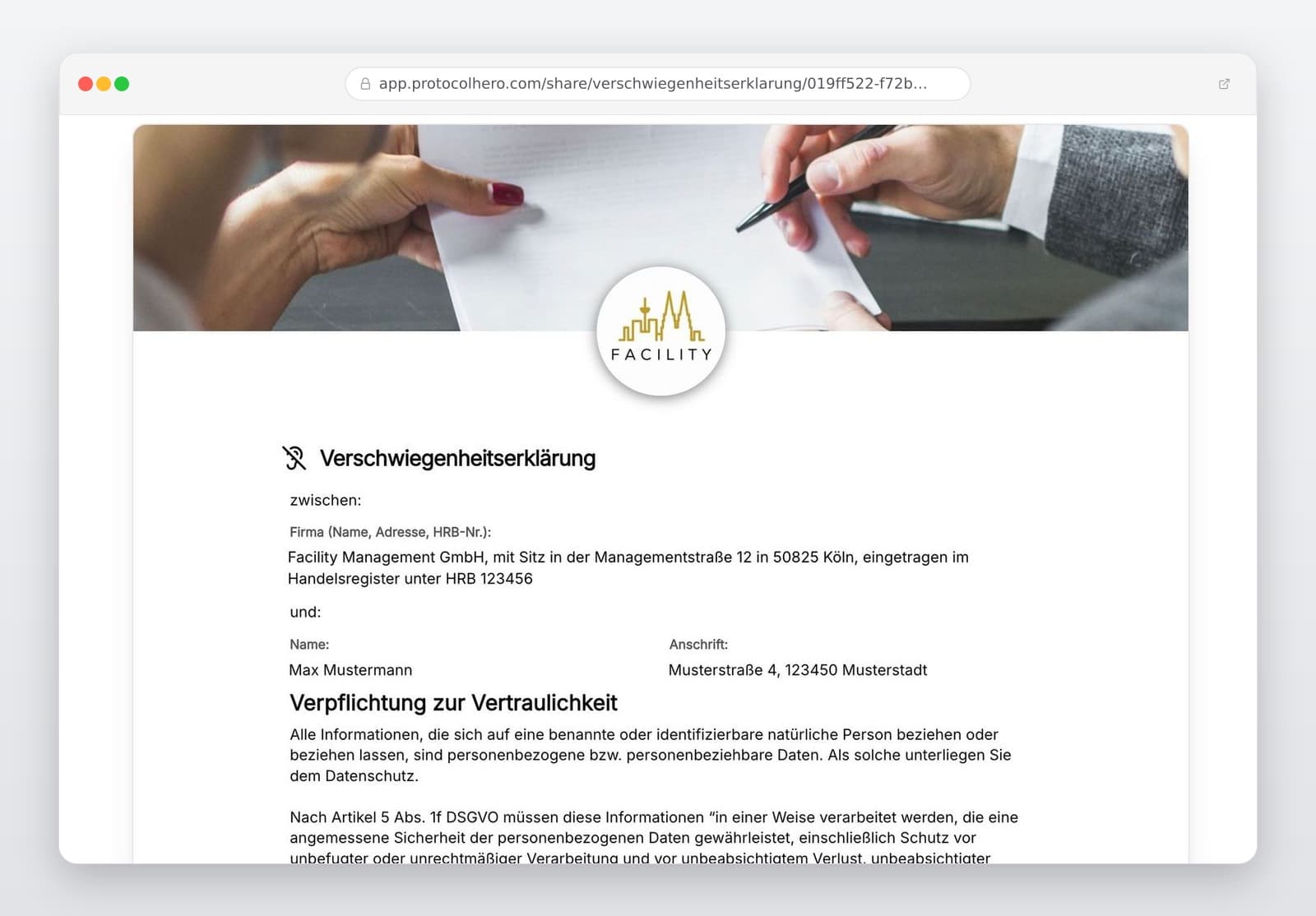
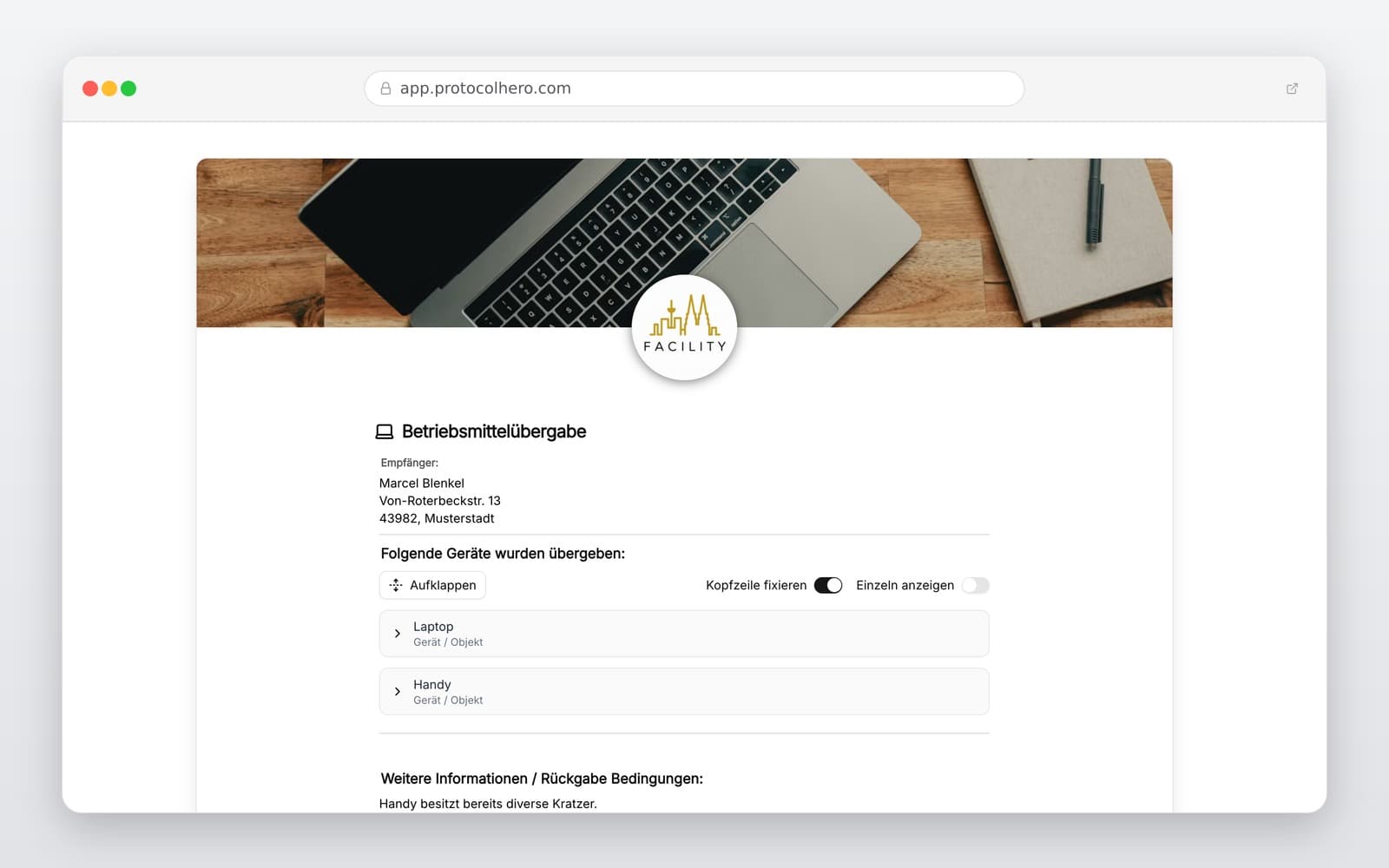
Preview of the “Equipment Handover Protocol Template – Digital Tool Tracking” template
Create free account

Short answer

What is the “Equipment Handover Protocol Template – Digital Tool Tracking” template for?

Professional equipment handover protocol template for trades & construction. Digitally hand over tools, devices & work equipment to employees securely.

Use case
Personal & HR
Captured data
Company and employee details, Type and precise description of the handed-over equipment, Manufacturer, model, inventory, or serial number
Result
A structured form that can be completed directly in the browser and reused in ProtocolHero.

Check the template against the technical, contractual and legal requirements of the specific case. ProtocolHero does not replace professional assessment.

Inhalt der Vorlage

What is included in the template?

Company and employee details

Type and precise description of the handed-over equipment

Manufacturer, model, inventory, or serial number

Accessories and additional components (e.g., batteries, cases)

Condition of the equipment at handover (including photo documentation)

Date of issue and planned return date, if applicable

Documentation of damages, anomalies, and condition upon return

Confirmation of handover or return with digital signatures

Live form

Fill out this template directly in the browser

No install needed — complete the form below, attach photos, and submit. Create a free account anytime to save and reuse your own templates.

Hand over equipment digitally now

Document condition, match accessories, and test ProtocolHero for free.

1. What belongs in an equipment handover protocol?

An equipment handover protocol should clearly document which employee received which work equipment at what time. Especially in trade and construction businesses, a general note like 'drill issued to employee' is often not enough. If there are several identical machines in the company, serial or inventory numbers help with clear identification.

A complete protocol assigns the equipment exactly. This makes it easy to trace at any time who currently has the device, what specific accessories (e.g., 2 batteries, charger, carrying case) were included, what condition it was handed over in, and when it was issued.

With the equipment handover protocol, tools, devices, and other work equipment can be clearly assigned to an employee. This ensures transparency and protects your company's inventory.
2. Documenting condition at handover and return precisely

It is not just the handover itself that should be documented, but above all the condition of the equipment. Record whether the device is new or used, whether there are signs of wear or damage, and whether the accessories are complete. Photos support this documentation directly on site.

When the equipment is returned later, the same process is carried out in reverse: identify the device, check the condition, verify accessories, document any damages, and confirm the return. This creates a traceable comparison between issue and return, preventing typical mistakes like missing accessories or disputes over new damages.

  • Avoid verbal agreements without written or digital records.
  • Always record the serial or inventory number for unique identification.
  • Document accessory parts such as batteries or chargers individually.
  • Use your smartphone camera to capture existing scratches or defects directly in the protocol.

3. Safety inspections, instructions, and liability

The handover protocol documents the issue and condition of the equipment. Any required technical inspections and safety checks must be carried out independently of this. A signed handover protocol does not replace a technical inspection (such as statutory electrical safety checks).

Likewise, the equipment handover must not be confused with safety instructions. Employees must be properly instructed on how to use work equipment safely before using it for the first time. The handover documents receipt of the device, while the instruction ensures safe handling. Both processes complement each other but serve different purposes.

Caution is also advised regarding liability: simply signing the handover protocol does not automatically make an employee liable for every defect or loss. Whether an employee is liable for damages depends on the specific case, the degree of fault (negligence, intent), and labor law principles.

4. Go digital: Hand over and return equipment on your smartphone

In the daily rush of a busy workshop or construction site, paper lists easily get lost. With a digital solution like ProtocolHero, the process is completely paperless: open the handover on your smartphone, select the employee, record the device including serial number and accessories, take photos of the condition, and have the employee sign directly on the screen.

This digital workflow saves administrative time and ensures that all protocols are securely stored and searchable in the cloud at any time. Whether in classic crafts, field service, facility management, or the office – the template can be used flexibly for all types of equipment.

  • Trades & Construction: Drills, measuring devices, ladders, machinery
  • Field Service & Office: Smartphones, tablets, laptops, headsets, monitors
  • Facility Management: Keys, cleaning machines, technical equipment
Häufige Fragen

Fragen zur Vorlage „Equipment Handover Protocol Template"

Mehr als eine Vorlage

Was ProtocolHero zusätzlich für dich übernimmt

Eine Vorlage allein ist erst der Anfang – ProtocolHero macht aus jedem Protokoll einen durchgängigen digitalen Workflow mit KI-Unterstützung, Workflow-Freigaben und revisionssicherem Archiv.

HERO Assistant – KI-Chat für Dokumentenerstellung

Der HERO Assistant ist der eingebaute KI-Chat von ProtocolHero. Du kannst per Spracheingabe ein komplettes Dokument anlegen lassen oder ein bestehendes PDF, Foto oder Word-Dokument hochladen – die KI liest die Struktur aus und baut eine wiederverwendbare Vorlage daraus.

Auto-Fill aus Sprache, Foto und Datei

Beim Ausfüllen kannst du das Dokument per Sprachsteuerung diktieren – die KI ordnet die Inhalte automatisch den richtigen Feldern zu. Oder du lädst Fotos, Scans, Verträge, Datenblätter oder Ausweise hoch: Der HERO Assistant extrahiert die Daten und befüllt das Formular vor – du prüfst und unterschreibst.

Foto- und Video-Upload direkt im Dokument

Zu jedem Bauteil, Messpunkt oder Schadensbild kannst du Fotos und Videos direkt aus der App anhängen. Videos sind besonders nützlich, wenn ein Schadensbild dynamisch ist – ein einzelnes Standbild würde den Befund nicht ausreichend dokumentieren.

Kommentare als Aufgaben – intern und mit dem Kunden

Jede Position im Dokument kann kommentiert und als Aufgabe an einen Kollegen, an dich selbst oder direkt an den Kunden zugewiesen werden. Kommentare können wahlweise rein intern bleiben oder im freigegebenen Kundenlink mitgeteilt werden.

Workflow: Bearbeiter zuweisen, Prüfer freigeben

Dokumente lassen sich an Kollegen weiterleiten und können einen festen Prüfer haben, der die letzte fachliche Freigabe erteilt, bevor das Dokument unterschrieben oder an den Kunden geht.

Activity-Log für lückenlose Nachvollziehbarkeit

Jedes Dokument hat einen vollständigen Aktivitäts-Verlauf: Wer hat wann was geändert, kommentiert, hochgeladen, freigegeben, unterschrieben. Das Log ist auf Wunsch auch im Kunden-Freigabelink sichtbar – ideal für Auditoren, Versicherer und Kunden.

Eindeutige Protocol-ID je Dokument

Jedes Dokument bekommt automatisch eine eindeutige Protocol-ID, mit der es sich zweifelsfrei referenzieren, verlinken und im Audit-Trail wiederfinden lässt.

Automatische Berichts-Nummerierung

Neu

Fortlaufende, lückenlose Berichts-Nummern (z. B. Protokoll-2026-001, 002, 003 …) je Dokumenttyp und Kunde – ohne manuelles Vergeben, ohne Dubletten.

Web-Formular & Inbox

Neu

Vorlagen lassen sich als öffentliches Web-Formular auf der eigenen Website einbinden – ein ausgefülltes Dokument landet automatisch in deiner ProtocolHero-Inbox zur Weiterbearbeitung.

QR-Code-Etiketten für Anlagen und Bauteile

Neu

QR-Code-Etiketten pro Anlage, Bauteil oder Abschottung, die beim Scannen direkt das hinterlegte Protokoll, die Historie und alle Wartungs- bzw. Prüfdokumente öffnen.

361 × genutzt

Diese Vorlage in 2 Minuten selbst nutzen

Vorlage übernehmen, an deinen Betrieb anpassen und direkt vor Ort ausfüllen – kostenlos testen, keine Kreditkarte nötig.