Handwerk & Bau6 Min Lesezeit

Window Measurement Sheet Template – Digital Window Surveying

Accurate window measurement is the foundation of any flawless installation. With our digital window measurement sheet template, window installers, carpenters, and fitters can record all dimensions, profile systems, and technical details directly on-site using a smartphone or tablet. Avoid costly ordering errors and streamline your work preparation.

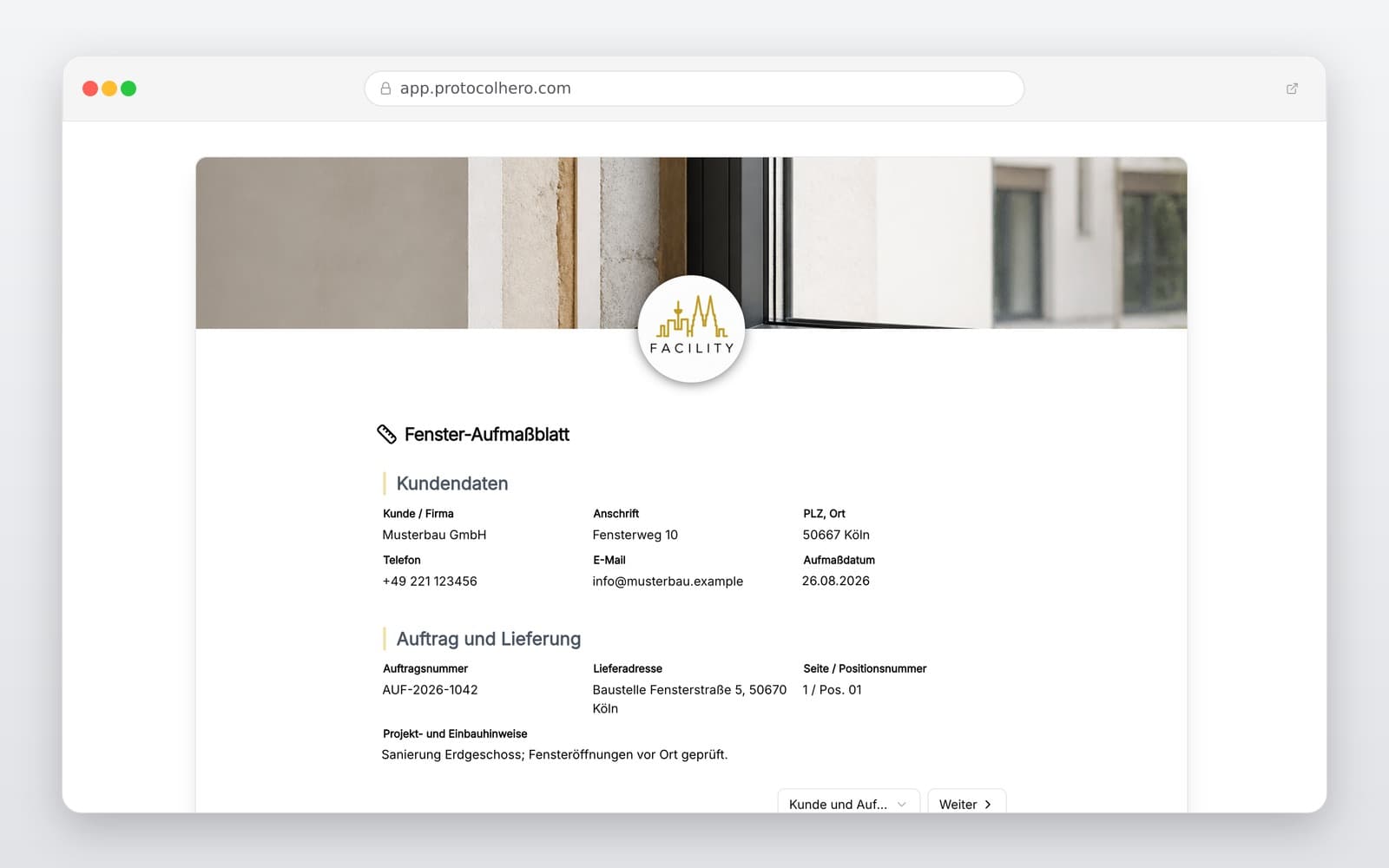
Preview of the “Window Measurement Sheet Template – Digital Window Surveying” template
Create free account

Short answer

What is the “Window Measurement Sheet Template – Digital Window Surveying” template for?

Professional window measurement sheet template for carpenters & window installers. Measure windows correctly, record digitally, avoid errors & sign on-site.

Use case
Handwerk & Bau
Captured data
Customer and order details (incl. construction project), Profile system and frame manufacturer, Hardware/fittings and security levels
Result
A structured form that can be completed directly in the browser and reused in ProtocolHero.

Check the template against the technical, contractual and legal requirements of the specific case. ProtocolHero does not replace professional assessment.

Inhalt der Vorlage

What is included in the digital window measurement sheet?

Customer and order details (incl. construction project)

Profile system and frame manufacturer

Hardware/fittings and security levels

Glazing specifications (e.g., double, triple, acoustic)

Glazing bars, colors, and finishes

Installation method and fixing materials

Sun protection (roller shutters, external blinds) and sills

Exact dimensions (width, height), photos, and digital signatures

Live form

Fill out this template directly in the browser

No install needed — complete the form below, attach photos, and submit. Create a free account anytime to save and reuse your own templates.

Create Your Window Measurement Sheet Digitally

Try ProtocolHero for free and complete your next window survey error-free via app.

Measuring Windows Correctly – The Ultimate Checklist

When measuring windows, every millimeter counts. Measurement errors quickly lead to expensive incorrect orders and construction delays. For an error-free survey, always measure at least at three different points (left, right, middle and top, bottom, middle) and use the smallest dimension as your base.

Use the following checklist to ensure you do not miss any details during your window measurement:

  • Account for plaster deduction and the required joint clearance (approx. 10-15 mm per side).
  • Check the brick opening for squareness by measuring the diagonals.
  • Determine the height considering the finished floor level (meter mark / benchmark).
  • Document the rebate type (inner rebate, outer rebate, or flush opening).
Digital Measurement vs. Paper Chaos

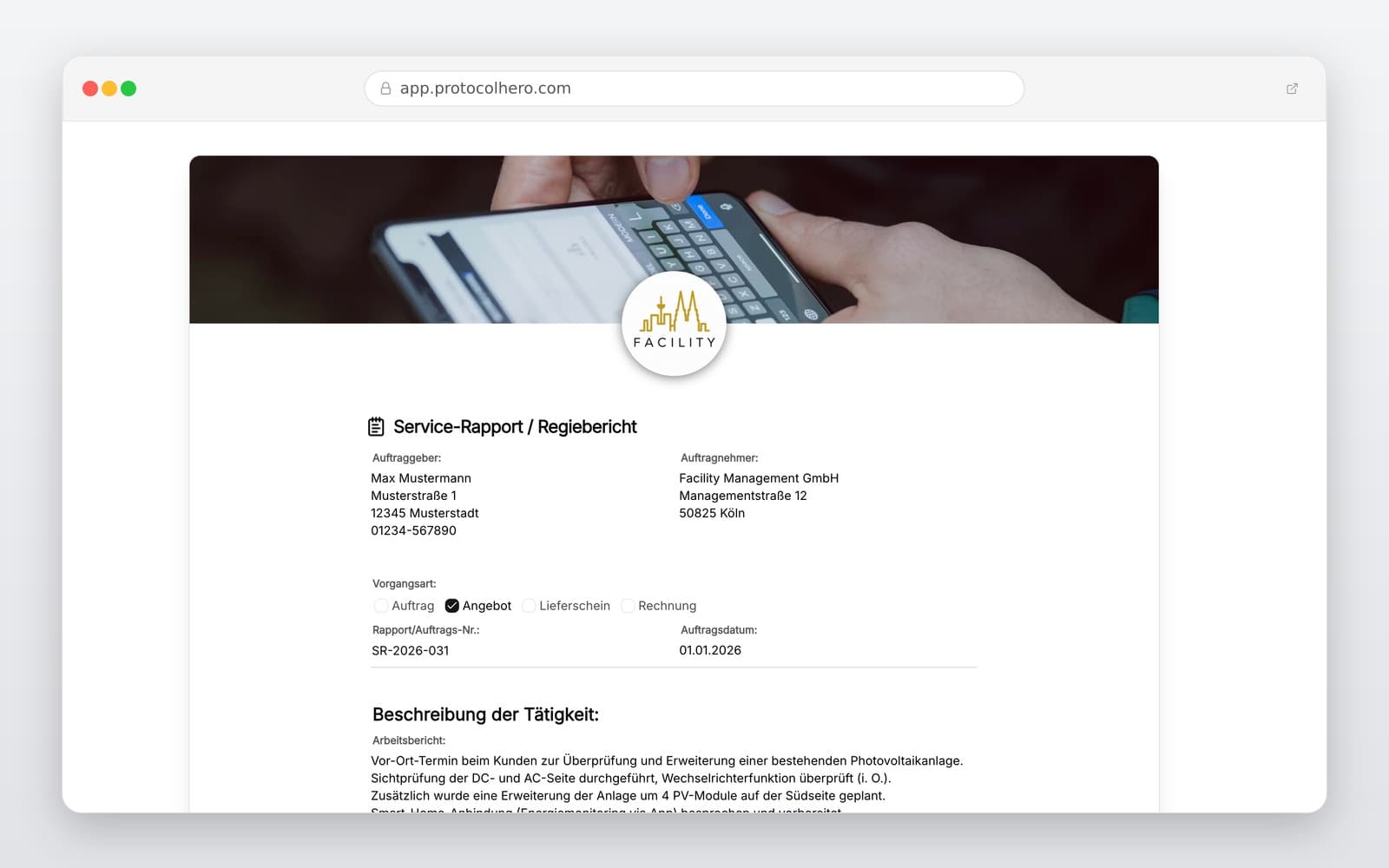
Handwritten sketches on crumpled paper pose a high risk in modern craftsmanship. Illegible numbers, forgotten hardware specifications, or missing photos of the installation site lead to time-consuming queries and delay the entire process.

With ProtocolHero's digital window survey template, installers fill out all mandatory fields directly on their mobile devices. Photos of the installation situation are embedded directly into the report and can be annotated. The finished PDF is instantly transmitted to the office, massively accelerating work preparation. You can find more useful templates in our general directory at https://www.protocolhero.com/vorlagen.

Seamlessly Documenting Technical Details

In addition to the rough opening dimensions, numerous specifications must be captured for ordering. Our template guides you step-by-step through all options: Which profile system is required? Which glazing (e.g., laminated safety glass or solar control glass) is specified? Details on window sills (projection, material) and shutter guide rails are also fully covered.

Thanks to digital recording, no information is lost, and the customer can confirm the measurement on-site via digital signature.

Häufige Fragen

Fragen zur Vorlage „Window Measurement Sheet Template"

Mehr als eine Vorlage

Was ProtocolHero zusätzlich für dich übernimmt

Eine Vorlage allein ist erst der Anfang – ProtocolHero macht aus jedem Protokoll einen durchgängigen digitalen Workflow mit KI-Unterstützung, Workflow-Freigaben und revisionssicherem Archiv.

HERO Assistant – KI-Chat für Dokumentenerstellung

Der HERO Assistant ist der eingebaute KI-Chat von ProtocolHero. Du kannst per Spracheingabe ein komplettes Dokument anlegen lassen oder ein bestehendes PDF, Foto oder Word-Dokument hochladen – die KI liest die Struktur aus und baut eine wiederverwendbare Vorlage daraus.

Auto-Fill aus Sprache, Foto und Datei

Beim Ausfüllen kannst du das Dokument per Sprachsteuerung diktieren – die KI ordnet die Inhalte automatisch den richtigen Feldern zu. Oder du lädst Fotos, Scans, Verträge, Datenblätter oder Ausweise hoch: Der HERO Assistant extrahiert die Daten und befüllt das Formular vor – du prüfst und unterschreibst.

Foto- und Video-Upload direkt im Dokument

Zu jedem Bauteil, Messpunkt oder Schadensbild kannst du Fotos und Videos direkt aus der App anhängen. Videos sind besonders nützlich, wenn ein Schadensbild dynamisch ist – ein einzelnes Standbild würde den Befund nicht ausreichend dokumentieren.

Kommentare als Aufgaben – intern und mit dem Kunden

Jede Position im Dokument kann kommentiert und als Aufgabe an einen Kollegen, an dich selbst oder direkt an den Kunden zugewiesen werden. Kommentare können wahlweise rein intern bleiben oder im freigegebenen Kundenlink mitgeteilt werden.

Workflow: Bearbeiter zuweisen, Prüfer freigeben

Dokumente lassen sich an Kollegen weiterleiten und können einen festen Prüfer haben, der die letzte fachliche Freigabe erteilt, bevor das Dokument unterschrieben oder an den Kunden geht.

Activity-Log für lückenlose Nachvollziehbarkeit

Jedes Dokument hat einen vollständigen Aktivitäts-Verlauf: Wer hat wann was geändert, kommentiert, hochgeladen, freigegeben, unterschrieben. Das Log ist auf Wunsch auch im Kunden-Freigabelink sichtbar – ideal für Auditoren, Versicherer und Kunden.

Eindeutige Protocol-ID je Dokument

Jedes Dokument bekommt automatisch eine eindeutige Protocol-ID, mit der es sich zweifelsfrei referenzieren, verlinken und im Audit-Trail wiederfinden lässt.

Automatische Berichts-Nummerierung

Neu

Fortlaufende, lückenlose Berichts-Nummern (z. B. Protokoll-2026-001, 002, 003 …) je Dokumenttyp und Kunde – ohne manuelles Vergeben, ohne Dubletten.

Web-Formular & Inbox

Neu

Vorlagen lassen sich als öffentliches Web-Formular auf der eigenen Website einbinden – ein ausgefülltes Dokument landet automatisch in deiner ProtocolHero-Inbox zur Weiterbearbeitung.

QR-Code-Etiketten für Anlagen und Bauteile

Neu

QR-Code-Etiketten pro Anlage, Bauteil oder Abschottung, die beim Scannen direkt das hinterlegte Protokoll, die Historie und alle Wartungs- bzw. Prüfdokumente öffnen.

552 × genutzt

Diese Vorlage in 2 Minuten selbst nutzen

Vorlage übernehmen, an deinen Betrieb anpassen und direkt vor Ort ausfüllen – kostenlos testen, keine Kreditkarte nötig.