Immobilien & Verwaltung6 Min Lesezeit

Lease Agreement Template – Digitally Rent Out Apartment or House

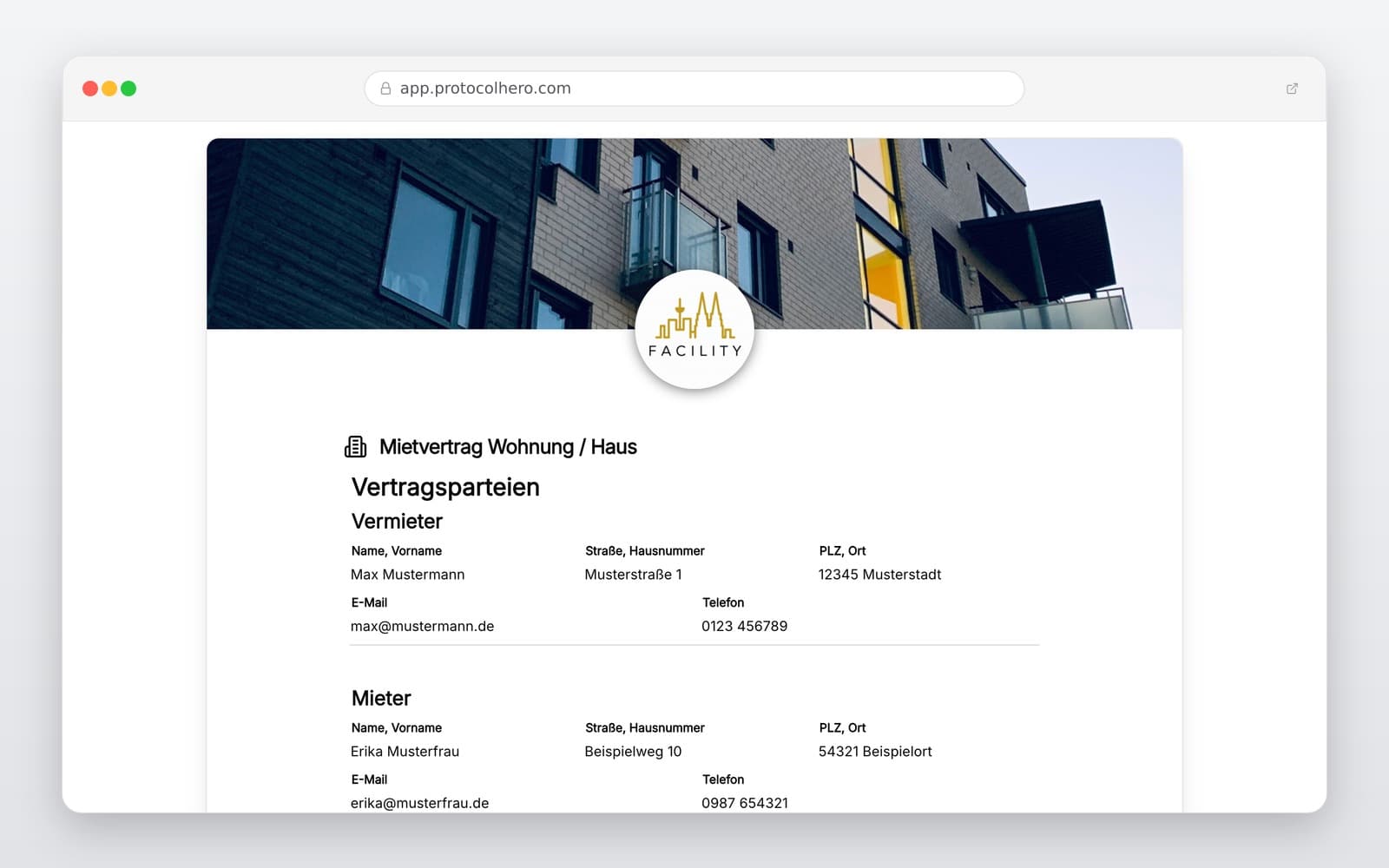
With our digital lease agreement template for apartments and houses, you can easily record all agreements between landlord and tenant. Capture the rental property, rent amount, utilities, and deposit directly on your smartphone or tablet. Document the tenancy transparently and finalize the contract together.

app.protocolhero.com/share/mietvertrag-wohnung-haus/019ffb5e-5006-7261-8ebb-cced08e13a5c
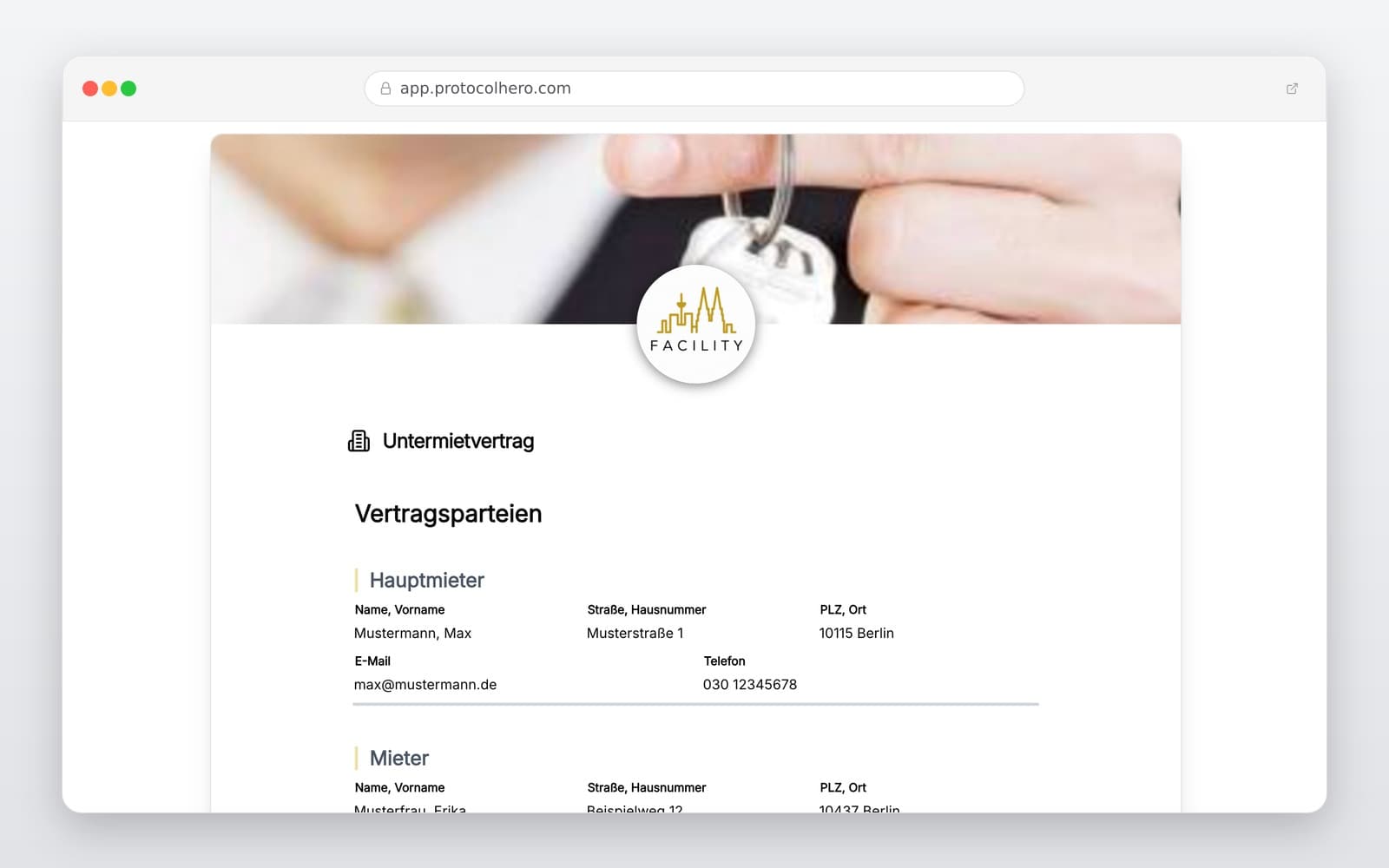
Vorschau der Vorlage „Lease Agreement Template – Digitally Rent Out Apartment or House"
Inhalt der Vorlage

What is included in the lease agreement template?

Complete details of landlord and tenant

Precise description of the rental property (apartment or house)

Lease start date and details on lease duration (fixed-term/open-ended)

Amount of the monthly basic rent (cold rent)

Utility cost agreements and prepayments

Amount and payment terms of the rental deposit

Co-rented rooms, parking spaces, or fitted kitchens

Digital signature fields for both parties

Fill Out Your Lease Agreement Digitally Now

Use our template on your smartphone or tablet to document your tenancy directly on-site – try ProtocolHero for free.

Rights, Obligations, and Key Details in the Lease Agreement

A legally compliant tenancy is based on clear agreements. According to § 535 of the German Civil Code (BGB), the landlord is obliged to grant the tenant use of the leased property during the lease term. In return, the tenant is obliged to pay the agreed rent. To avoid misunderstandings from the start, all essential contract points should be documented precisely.

In addition to the contracting parties and the exact description of the rental property, this includes in particular the start of the lease, the rent amount, and clear regulations regarding the rental deposit and utilities. Only complete documentation protects both sides from later disagreements.
Avoiding Typical Mistakes in Contract Creation

In practice, vague wording often leads to conflicts. Classic mistakes include imprecise descriptions of the rental property (e.g., missing details on cellar compartments or parking spaces) and unclear agreements on the allocation of operating costs. Under § 556 BGB, operating costs can only be passed on to the tenant if this has been expressly and transparently agreed.

Incorrect clauses regarding the rental deposit or contradictory details on the lease duration also carry risks. According to § 551 BGB, the deposit for residential space may not exceed three times the monthly basic rent and must be kept separate from the landlord's personal assets. Furthermore, a fixed-term lease is only permissible under § 575 BGB if legally recognized reasons for the limitation are specified.

The Digital Advantage: Concluding Modern Lease Agreements

Switching from traditional paper forms to digital documentation offers immense benefits for both landlords and tenants. Instead of illegible handwriting or lost documents, you can use our digital template conveniently on your smartphone or tablet.

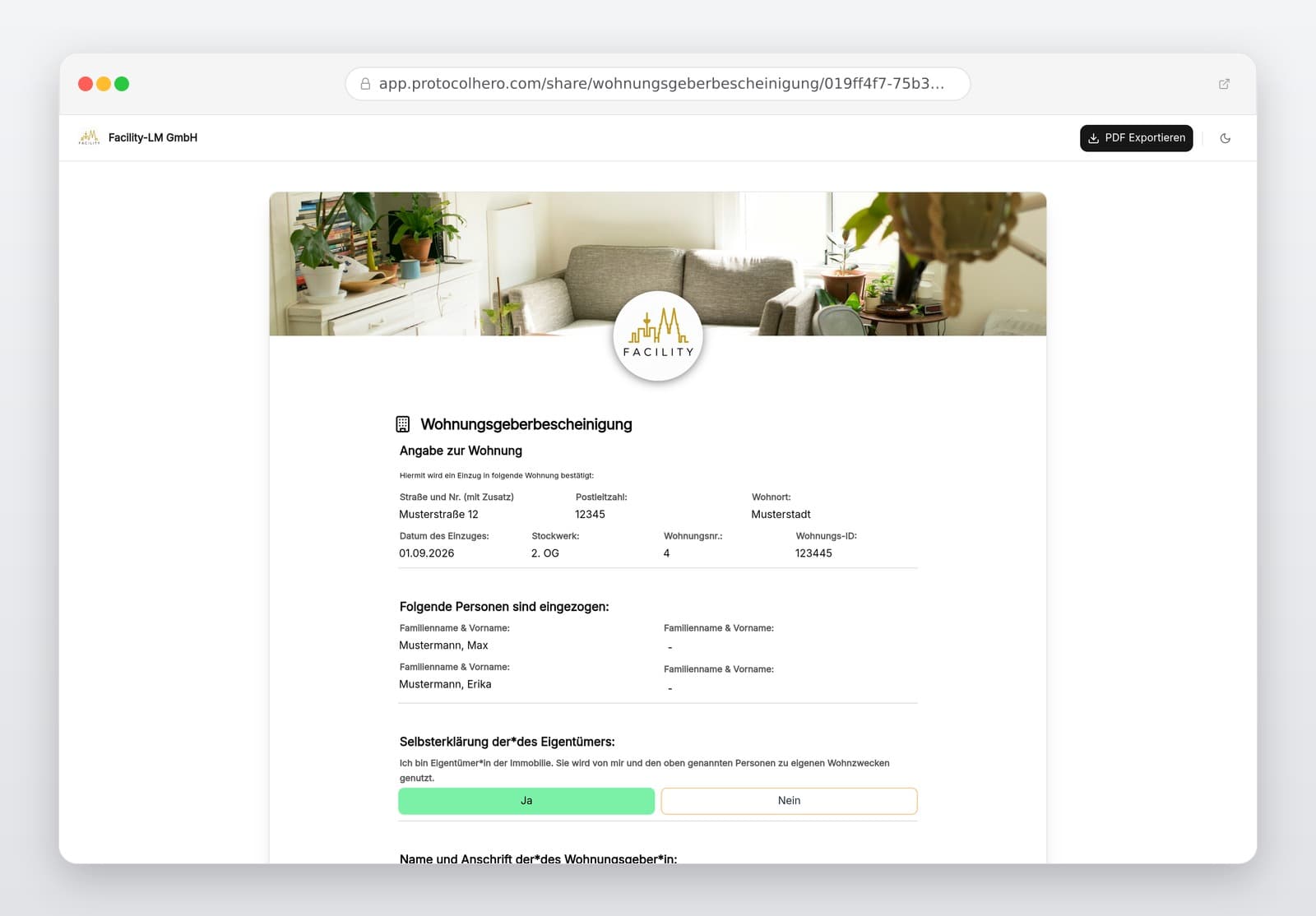
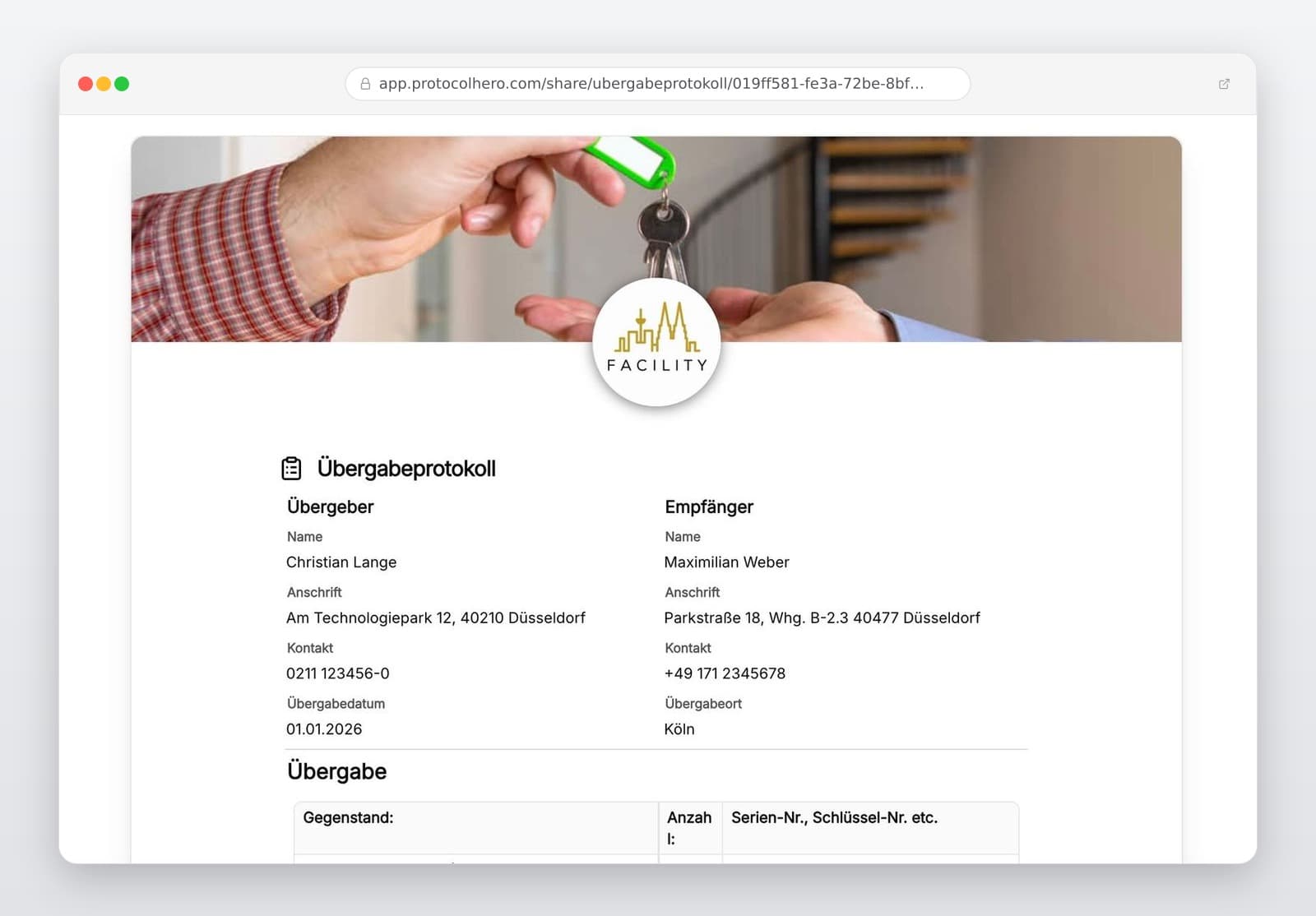
You enter all relevant contract data directly on-site, flexibly adjust utility and deposit agreements, and complete the contract digitally. The finished PDF document is automatically archived securely and is immediately available to both parties. Combine the lease agreement ideally with other digital documents like the handover protocol or the landlord confirmation (Wohnungsgeberbescheinigung).

Häufige Fragen

Fragen zur Vorlage „Lease Agreement Template"

Mehr als eine Vorlage

Was ProtocolHero zusätzlich für dich übernimmt

Eine Vorlage allein ist erst der Anfang – ProtocolHero macht aus jedem Protokoll einen durchgängigen digitalen Workflow mit KI-Unterstützung, Workflow-Freigaben und revisionssicherem Archiv.

HERO Assistant – KI-Chat für Dokumentenerstellung

Der HERO Assistant ist der eingebaute KI-Chat von ProtocolHero. Du kannst per Spracheingabe ein komplettes Dokument anlegen lassen oder ein bestehendes PDF, Foto oder Word-Dokument hochladen – die KI liest die Struktur aus und baut eine wiederverwendbare Vorlage daraus.

Auto-Fill aus Sprache, Foto und Datei

Beim Ausfüllen kannst du das Dokument per Sprachsteuerung diktieren – die KI ordnet die Inhalte automatisch den richtigen Feldern zu. Oder du lädst Fotos, Scans, Verträge, Datenblätter oder Ausweise hoch: Der HERO Assistant extrahiert die Daten und befüllt das Formular vor – du prüfst und unterschreibst.

Foto- und Video-Upload direkt im Dokument

Zu jedem Bauteil, Messpunkt oder Schadensbild kannst du Fotos und Videos direkt aus der App anhängen. Videos sind besonders nützlich, wenn ein Schadensbild dynamisch ist – ein einzelnes Standbild würde den Befund nicht ausreichend dokumentieren.

Kommentare als Aufgaben – intern und mit dem Kunden

Jede Position im Dokument kann kommentiert und als Aufgabe an einen Kollegen, an dich selbst oder direkt an den Kunden zugewiesen werden. Kommentare können wahlweise rein intern bleiben oder im freigegebenen Kundenlink mitgeteilt werden.

Workflow: Bearbeiter zuweisen, Prüfer freigeben

Dokumente lassen sich an Kollegen weiterleiten und können einen festen Prüfer haben, der die letzte fachliche Freigabe erteilt, bevor das Dokument unterschrieben oder an den Kunden geht.

Activity-Log für lückenlose Nachvollziehbarkeit

Jedes Dokument hat einen vollständigen Aktivitäts-Verlauf: Wer hat wann was geändert, kommentiert, hochgeladen, freigegeben, unterschrieben. Das Log ist auf Wunsch auch im Kunden-Freigabelink sichtbar – ideal für Auditoren, Versicherer und Kunden.

Eindeutige Protocol-ID je Dokument

Jedes Dokument bekommt automatisch eine eindeutige Protocol-ID, mit der es sich zweifelsfrei referenzieren, verlinken und im Audit-Trail wiederfinden lässt.

Automatische Berichts-Nummerierung

Neu

Fortlaufende, lückenlose Berichts-Nummern (z. B. Protokoll-2026-001, 002, 003 …) je Dokumenttyp und Kunde – ohne manuelles Vergeben, ohne Dubletten.

Web-Formular & Inbox

Neu

Vorlagen lassen sich als öffentliches Web-Formular auf der eigenen Website einbinden – ein ausgefülltes Dokument landet automatisch in deiner ProtocolHero-Inbox zur Weiterbearbeitung.

QR-Code-Etiketten für Anlagen und Bauteile

Neu

QR-Code-Etiketten pro Anlage, Bauteil oder Abschottung, die beim Scannen direkt das hinterlegte Protokoll, die Historie und alle Wartungs- bzw. Prüfdokumente öffnen.

0 × genutzt

Diese Vorlage in 2 Minuten selbst nutzen

Vorlage übernehmen, an deinen Betrieb anpassen und direkt vor Ort ausfüllen – kostenlos testen, keine Kreditkarte nötig.