Handwerk & Bau6 Min Lesezeit

Work Order Authorization Template – Digital & Secure Client Approvals

A structured work order authorization forms the ideal foundation for contractors and clients alike. With ProtocolHero's digital template, you can approve quotes securely, document additional work directly on-site, and ensure a transparent process from initial inquiry to final sign-off.

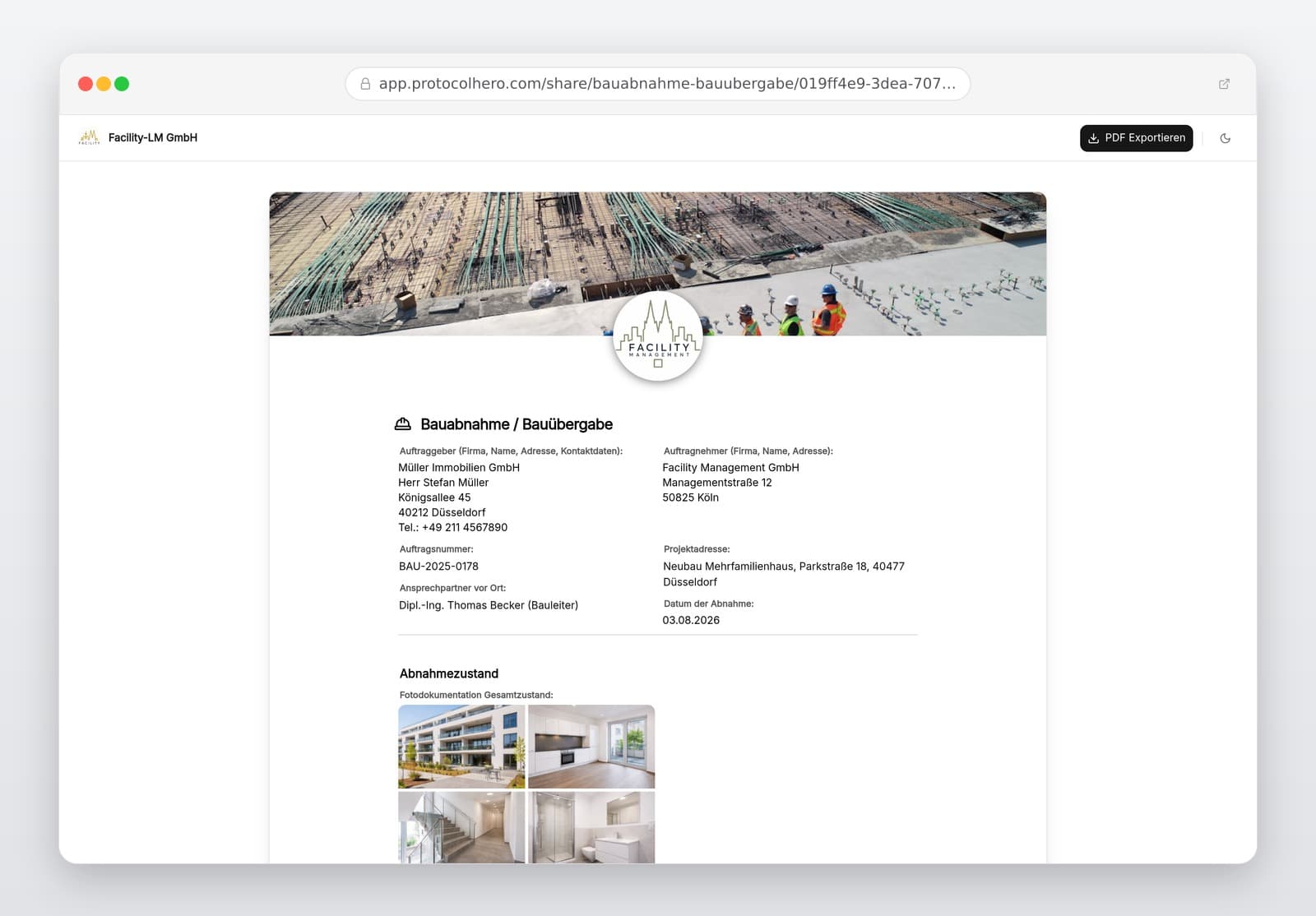
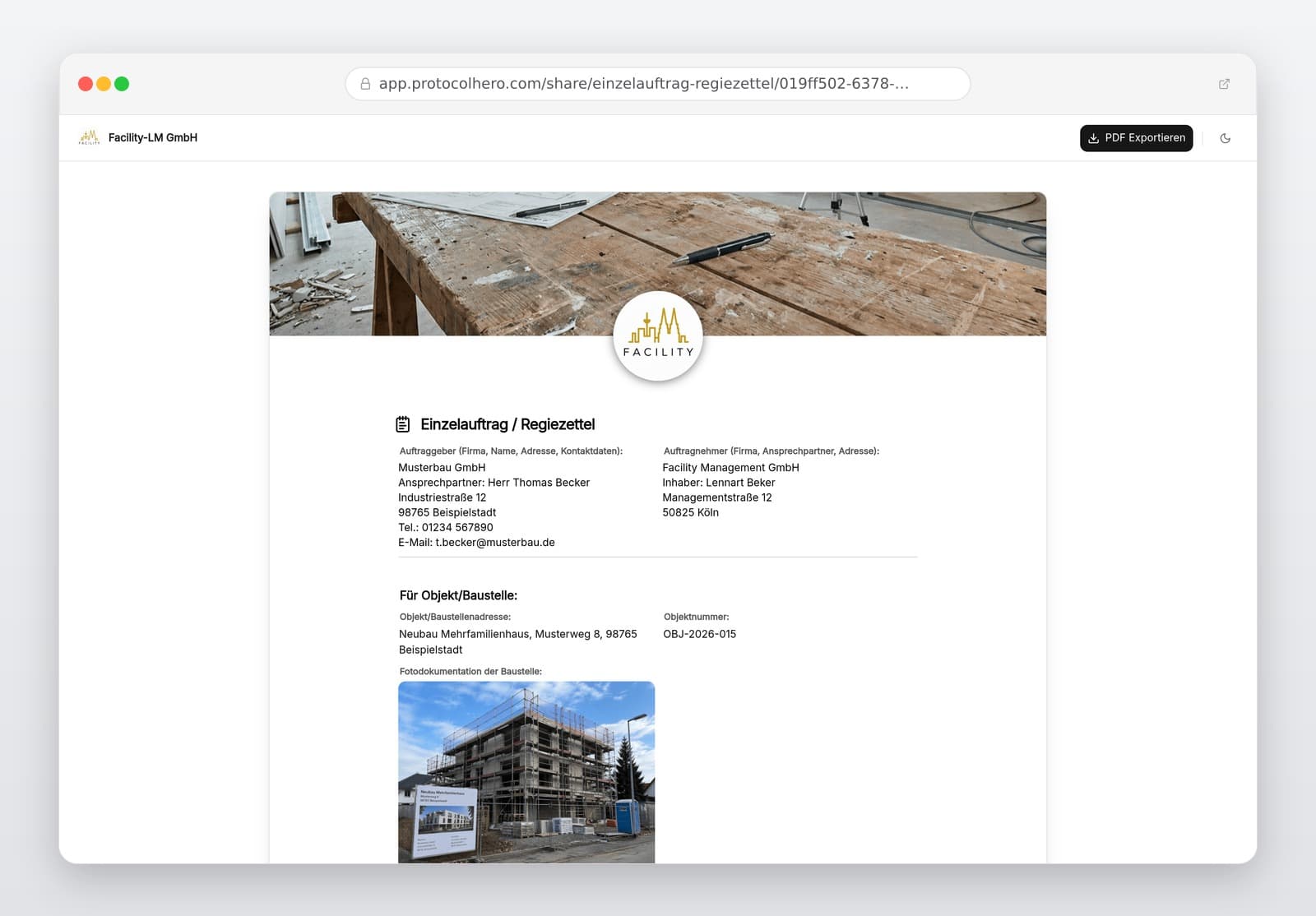
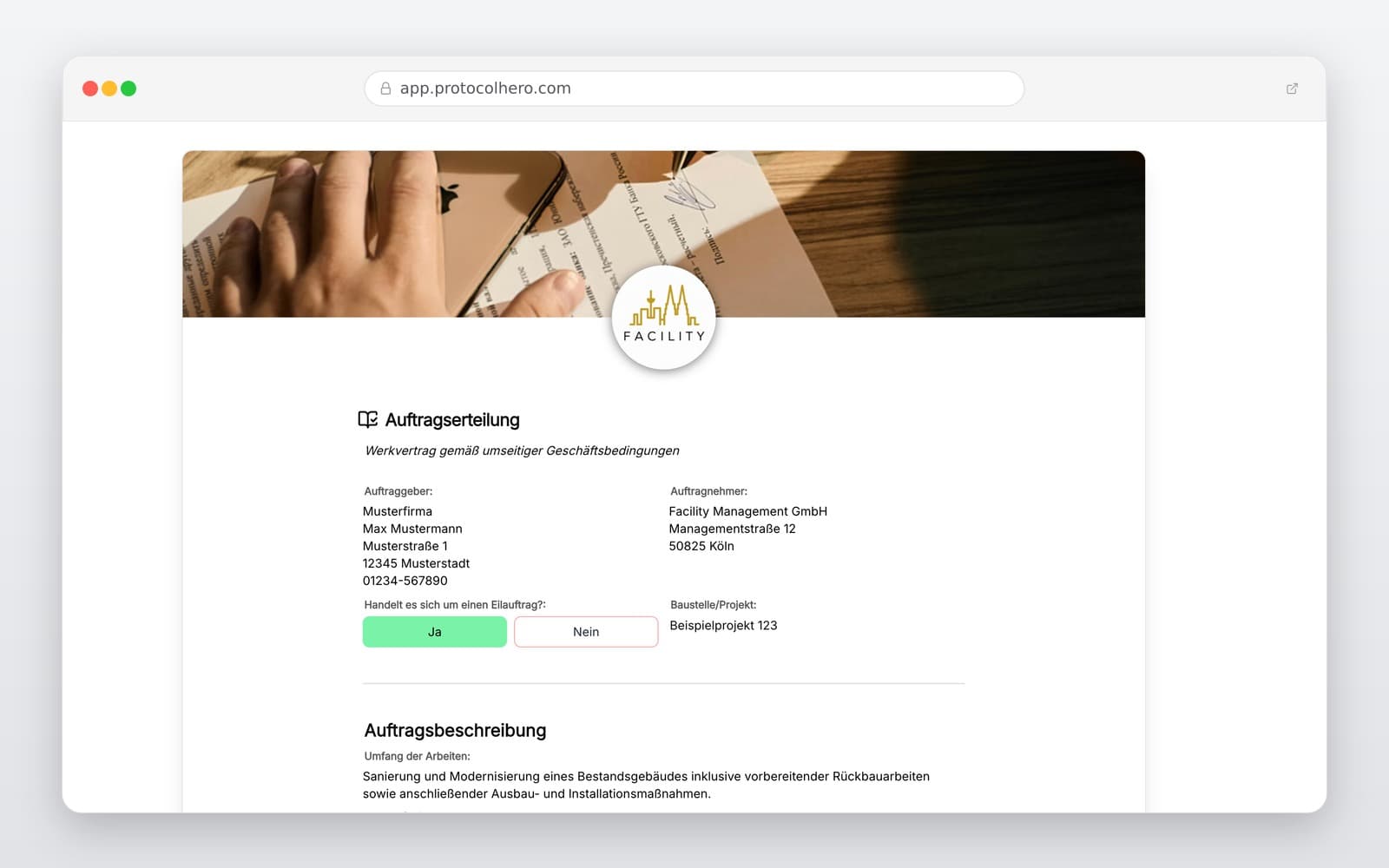
Preview of the “Work Order Authorization Template – Digital & Secure Client Approvals” template
Create free account
Inhalt der Vorlage

What is included in the template?

Details of client and contractor

Order number and reference to quote or estimate

Detailed description of the authorized services

Execution site or property address

Agreed price or basis of compensation

Planned execution period or specific date

Additional agreements and remarks

Confirmation of order authorization with date and signatures

Live form

Fill out this template directly in the browser

No install needed — complete the form below, attach photos, and submit. Create a free account anytime to save and reuse your own templates.

Authorize Work Orders Digitally Now

Confirm services clearly and try ProtocolHero today for free.

What Belongs in a Professional Work Order Authorization?

A work order authorization should clearly define who is commissioning which services under what agreed terms. Especially in the skilled trades, a short message like "Looks good, go ahead" is rarely sufficient to prevent future disputes. A structured document secures both parties.

If a detailed estimate already exists, you do not need to rewrite every single line item. Instead, you can explicitly refer to the original quote: "The services are hereby authorized in accordance with Estimate No. 2026-184 dated 20.08.2026." Any subsequent changes or additions must also be documented precisely, for example: "In addition to the quote, the installation of an additional outdoor socket is authorized." This ensures complete clarity on what was actually approved.

  • Clear contact details of both contractor and client
  • Specific site address or property location
  • Explicit reference to an existing quote and its total sum
  • Planned timeframe or targeted completion date
  • Any additional agreements deviating from the original quote
  • Date of authorization and confirmation by both parties
Quote vs. Order Authorization – What is the Difference?

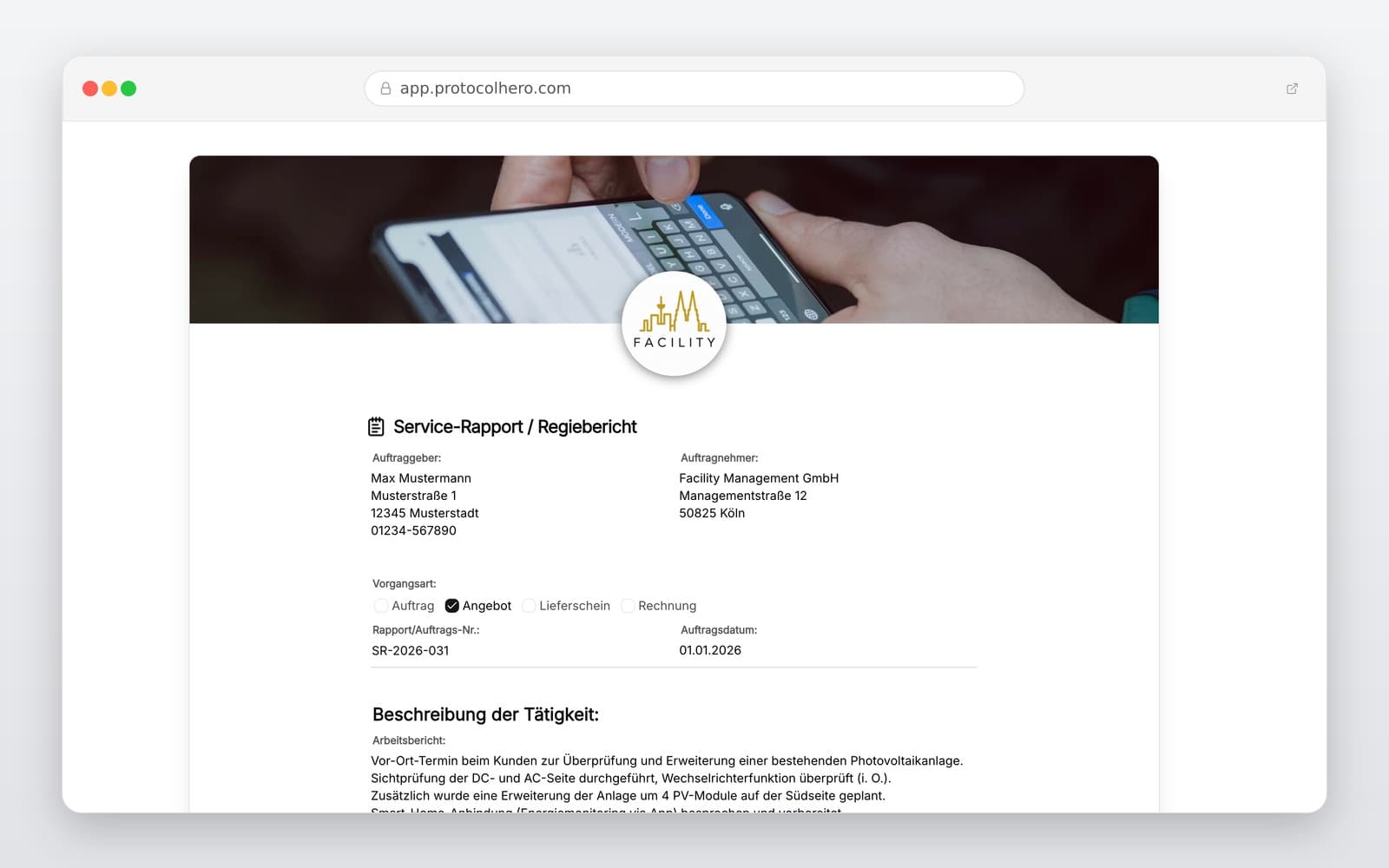
While these terms are sometimes used interchangeably in daily business, they have distinct legal meanings. The quote (or estimate) is the contractor's proposal detailing what services they can provide under which conditions. The order authorization is the client's formal acceptance, declaring that the proposed services should be executed.

In many jurisdictions (such as under § 145 of the German Civil Code BGB), a party offering a contract is bound by that offer unless stated otherwise. If the client changes key aspects of the quote during authorization (such as pricing or scope), this legally constitutes a counter-offer. Our digital template ensures that the original quote, the actual scope of work, and the client's final approval remain linked in an audit-proof manner.

Typical Mistakes When Authorizing Craft and Trade Services

Many misunderstandings on construction sites arise from incomplete or undocumented agreements. Common mistakes include issuing authorizations solely over the phone, failing to attach a concrete scope of work, or agreeing to extra tasks verbally without recording them.

Consider a typical scenario: A client receives a quote for €8,500. Later, on-site, they tell the technician: "Go ahead and install those two extra sockets while you're at it." The technician completes the work. During invoicing, it becomes unclear whether this extra work was included in the original price or should be billed separately. The professional approach: Describe the extra work, define the price or billing method, get the client's confirmation, and only then proceed with execution.

  • Authorizing work purely verbally without written records
  • Missing reference to the corresponding estimate or quote
  • Having multiple conflicting versions of a quote in circulation
  • Failing to clearly specify the job site or property details
  • Treating a preferred execution date as a legally binding deadline
  • Failing to record exactly who authorized the services

Go Paperless: Digital Authorizations on the Spot

ProtocolHero digitizes your entire workflow. The process is straightforward: The business creates an estimate, the client agrees to proceed, and opens the digital work order authorization. They verify customer details, confirm the scope, add execution dates, and record any special agreements. Once digitally signed, the order is instantly available in the office for scheduling.

This eliminates tedious paperwork: No printing PDFs, signing by hand, scanning, and emailing files back and forth. For on-site service appointments, authorizations can be handled directly on a smartphone or tablet. If a project manager discusses additional work with a client on-site, they can log the extra scope in the template, have the client sign on the screen, and the office receives the documented release immediately.

Häufige Fragen

Fragen zur Vorlage „Work Order Authorization Template"

Mehr als eine Vorlage

Was ProtocolHero zusätzlich für dich übernimmt

Eine Vorlage allein ist erst der Anfang – ProtocolHero macht aus jedem Protokoll einen durchgängigen digitalen Workflow mit KI-Unterstützung, Workflow-Freigaben und revisionssicherem Archiv.

HERO Assistant – KI-Chat für Dokumentenerstellung

Der HERO Assistant ist der eingebaute KI-Chat von ProtocolHero. Du kannst per Spracheingabe ein komplettes Dokument anlegen lassen oder ein bestehendes PDF, Foto oder Word-Dokument hochladen – die KI liest die Struktur aus und baut eine wiederverwendbare Vorlage daraus.

Auto-Fill aus Sprache, Foto und Datei

Beim Ausfüllen kannst du das Dokument per Sprachsteuerung diktieren – die KI ordnet die Inhalte automatisch den richtigen Feldern zu. Oder du lädst Fotos, Scans, Verträge, Datenblätter oder Ausweise hoch: Der HERO Assistant extrahiert die Daten und befüllt das Formular vor – du prüfst und unterschreibst.

Foto- und Video-Upload direkt im Dokument

Zu jedem Bauteil, Messpunkt oder Schadensbild kannst du Fotos und Videos direkt aus der App anhängen. Videos sind besonders nützlich, wenn ein Schadensbild dynamisch ist – ein einzelnes Standbild würde den Befund nicht ausreichend dokumentieren.

Kommentare als Aufgaben – intern und mit dem Kunden

Jede Position im Dokument kann kommentiert und als Aufgabe an einen Kollegen, an dich selbst oder direkt an den Kunden zugewiesen werden. Kommentare können wahlweise rein intern bleiben oder im freigegebenen Kundenlink mitgeteilt werden.

Workflow: Bearbeiter zuweisen, Prüfer freigeben

Dokumente lassen sich an Kollegen weiterleiten und können einen festen Prüfer haben, der die letzte fachliche Freigabe erteilt, bevor das Dokument unterschrieben oder an den Kunden geht.

Activity-Log für lückenlose Nachvollziehbarkeit

Jedes Dokument hat einen vollständigen Aktivitäts-Verlauf: Wer hat wann was geändert, kommentiert, hochgeladen, freigegeben, unterschrieben. Das Log ist auf Wunsch auch im Kunden-Freigabelink sichtbar – ideal für Auditoren, Versicherer und Kunden.

Eindeutige Protocol-ID je Dokument

Jedes Dokument bekommt automatisch eine eindeutige Protocol-ID, mit der es sich zweifelsfrei referenzieren, verlinken und im Audit-Trail wiederfinden lässt.

Automatische Berichts-Nummerierung

Neu

Fortlaufende, lückenlose Berichts-Nummern (z. B. Protokoll-2026-001, 002, 003 …) je Dokumenttyp und Kunde – ohne manuelles Vergeben, ohne Dubletten.

Web-Formular & Inbox

Neu

Vorlagen lassen sich als öffentliches Web-Formular auf der eigenen Website einbinden – ein ausgefülltes Dokument landet automatisch in deiner ProtocolHero-Inbox zur Weiterbearbeitung.

QR-Code-Etiketten für Anlagen und Bauteile

Neu

QR-Code-Etiketten pro Anlage, Bauteil oder Abschottung, die beim Scannen direkt das hinterlegte Protokoll, die Historie und alle Wartungs- bzw. Prüfdokumente öffnen.

654 × genutzt

Diese Vorlage in 2 Minuten selbst nutzen

Vorlage übernehmen, an deinen Betrieb anpassen und direkt vor Ort ausfüllen – kostenlos testen, keine Kreditkarte nötig.