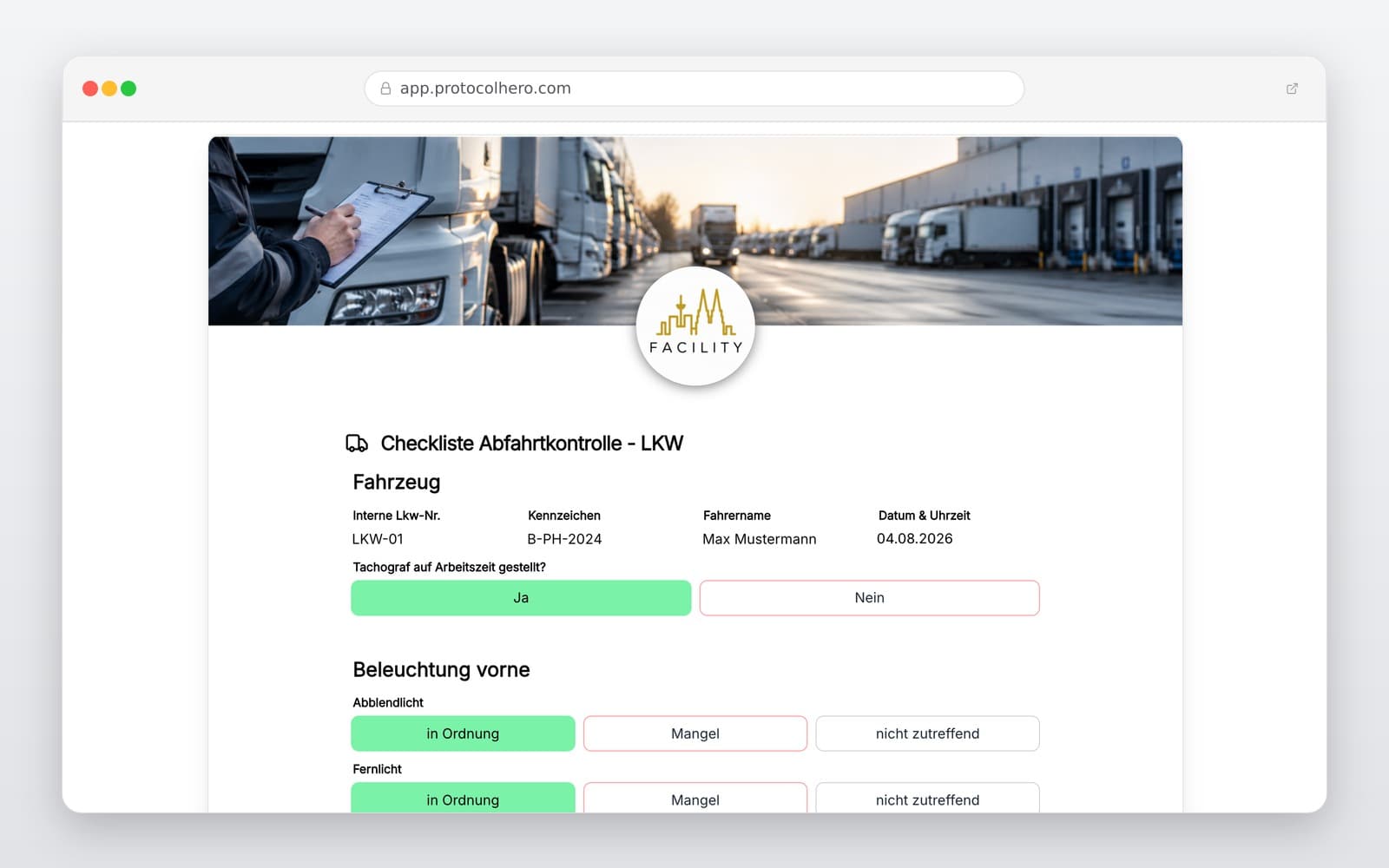
Fuhrpark & Verwaltung6 Min Lesezeit

Rental Car Return Protocol Template

Use our digital rental car return protocol template to quickly and comprehensively record the condition of rental and leased vehicles upon return. Avoid post-rental disputes by capturing all details digitally on-site via smartphone or tablet.

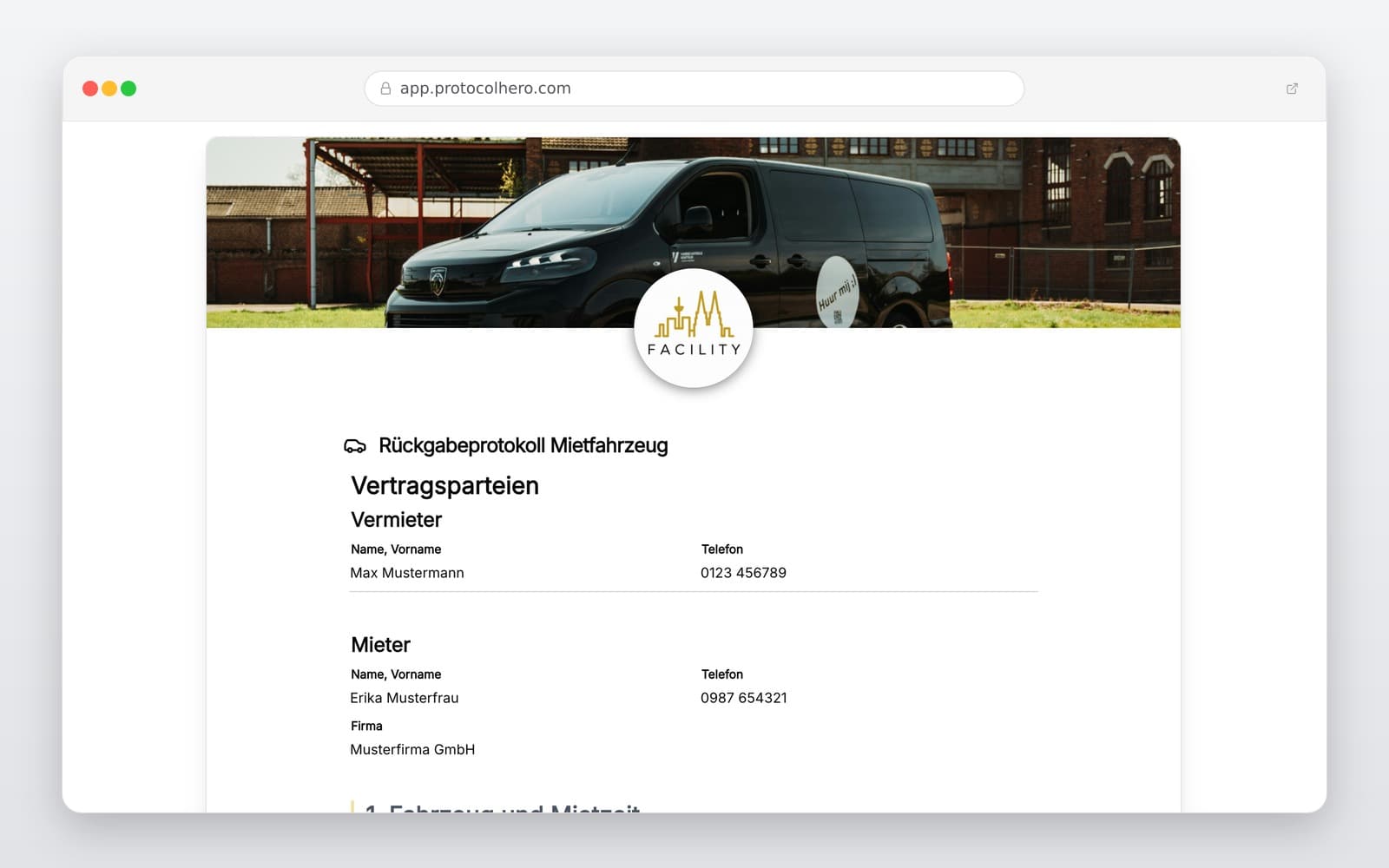
app.protocolhero.com/share/ruckgabeprotokoll-mietfahrzeug/01a013e5-3d09-7382-a6a3-94bd549e48c7
Vorschau der Vorlage „Rental Car Return Protocol Template"
Inhalt der Vorlage

What is included?

Vehicle specifications and rental car details

Contact information of renter and lessor

Return date, time, and exact drop-off location

Current mileage at the time of return

Fuel level or battery charge status (for EVs)

Condition check of bodywork, interior, windows, and tires

Documentation of new damages, scratches, and findings with photo attachments

Confirmation of returned keys, vehicle documents, and accessories

Complete Rental Vehicle Return Protocols Digitally

Record damages, mileage, and fuel levels directly on your smartphone – try ProtocolHero for free today.

What Belongs in a Complete Rental Vehicle Return Protocol?

A complete rental car return protocol serves as official proof of the condition in which a vehicle was returned to the rental company or fleet manager. In addition to basic contact details of the renter and lessor, all billing- and liability-relevant factors must be recorded. This includes the exact return date and time, the current mileage, and the remaining fuel or battery level.

Equally important is a systematic inspection of the vehicle's condition. The bodywork, paint, interior, tires, and windows must be checked for any changes. Every rental vehicle return protocol should also include a confirmation for returned accessories, such as vehicle keys, registration papers, safety vests, charging cables, or spare keys.
Vehicle Condition, Mileage, and Fuel: Why Return Documentation is Essential

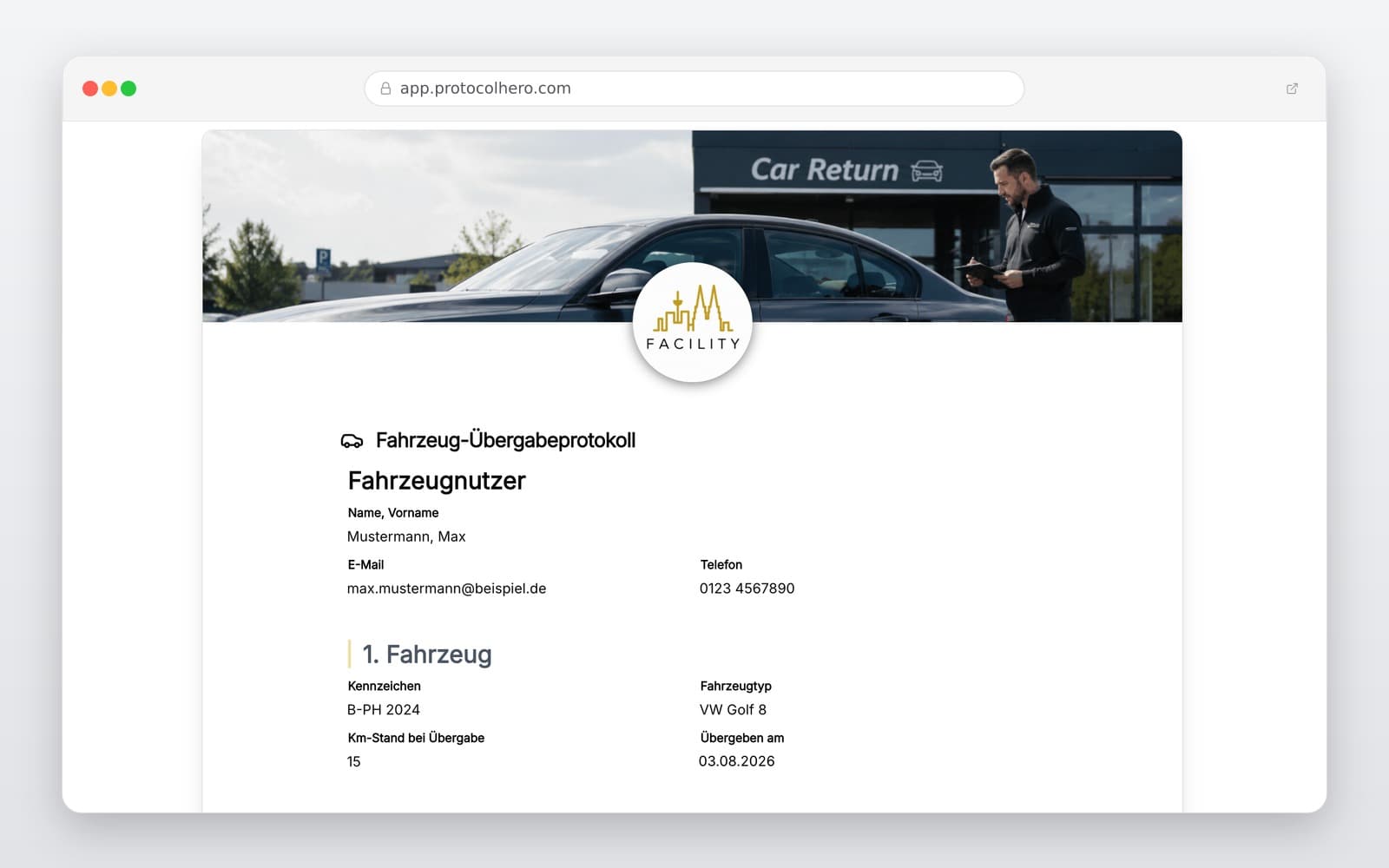
Detailed recording protects both renters and lessors from unjustified claims and misunderstandings. Only by documenting the exact condition upon return can you prove whether a damage existed prior to renting or occurred during the rental period. Comparing the return protocol with the initial vehicle handover protocol is the safest method.

Consumer protection agencies and automobile clubs recommend inspecting the rental car together with a staff member upon return and signing a written protocol. If no employee is on-site, a seamless digital documentation with timestamps and photos helps to verify the vehicle's state at the exact time of drop-off.

Avoid Common Mistakes During Rental Car Return

In practice, several common oversights during vehicle return often lead to expensive disputes later on. Classic mistakes include:

• Missing or low-quality photo documentation of existing or new minor damages.

• Forgetting to record the mileage, which can lead to incorrect mileage billing.

• Incomplete details regarding the fuel level or EV battery charge state.

• Lack of a written or digital confirmation of the proper return by the rental company.

Using a structured template ensures that no critical inspection point is overlooked and all data is recorded in a standardized format.

The Advantages of Digital vs. Paper: Rental Returns via Smartphone

Traditional paper protocols are cumbersome, prone to transcription errors, and do not allow for the direct integration of visual evidence. Going digital solves these issues: the inspector walks around the vehicle with a smartphone, ticks off the checklist, and takes photos of any scratches or dents with the camera. The images are automatically embedded into the protocol in a tamper-proof manner.

Once the inspection is complete, the document is signed digitally and is immediately available as a PDF report for the renter, lessor, and accounting department. This saves time, conserves resources, and ensures maximum transparency in fleet management. Combine this process with our other digital templates at www.protocolhero.com/vorlagen.

Häufige Fragen

Fragen zur Vorlage „Rental Car Return Protocol Template"

Mehr als eine Vorlage

Was ProtocolHero zusätzlich für dich übernimmt

Eine Vorlage allein ist erst der Anfang – ProtocolHero macht aus jedem Protokoll einen durchgängigen digitalen Workflow mit KI-Unterstützung, Workflow-Freigaben und revisionssicherem Archiv.

HERO Assistant – KI-Chat für Dokumentenerstellung

Der HERO Assistant ist der eingebaute KI-Chat von ProtocolHero. Du kannst per Spracheingabe ein komplettes Dokument anlegen lassen oder ein bestehendes PDF, Foto oder Word-Dokument hochladen – die KI liest die Struktur aus und baut eine wiederverwendbare Vorlage daraus.

Auto-Fill aus Sprache, Foto und Datei

Beim Ausfüllen kannst du das Dokument per Sprachsteuerung diktieren – die KI ordnet die Inhalte automatisch den richtigen Feldern zu. Oder du lädst Fotos, Scans, Verträge, Datenblätter oder Ausweise hoch: Der HERO Assistant extrahiert die Daten und befüllt das Formular vor – du prüfst und unterschreibst.

Foto- und Video-Upload direkt im Dokument

Zu jedem Bauteil, Messpunkt oder Schadensbild kannst du Fotos und Videos direkt aus der App anhängen. Videos sind besonders nützlich, wenn ein Schadensbild dynamisch ist – ein einzelnes Standbild würde den Befund nicht ausreichend dokumentieren.

Kommentare als Aufgaben – intern und mit dem Kunden

Jede Position im Dokument kann kommentiert und als Aufgabe an einen Kollegen, an dich selbst oder direkt an den Kunden zugewiesen werden. Kommentare können wahlweise rein intern bleiben oder im freigegebenen Kundenlink mitgeteilt werden.

Workflow: Bearbeiter zuweisen, Prüfer freigeben

Dokumente lassen sich an Kollegen weiterleiten und können einen festen Prüfer haben, der die letzte fachliche Freigabe erteilt, bevor das Dokument unterschrieben oder an den Kunden geht.

Activity-Log für lückenlose Nachvollziehbarkeit

Jedes Dokument hat einen vollständigen Aktivitäts-Verlauf: Wer hat wann was geändert, kommentiert, hochgeladen, freigegeben, unterschrieben. Das Log ist auf Wunsch auch im Kunden-Freigabelink sichtbar – ideal für Auditoren, Versicherer und Kunden.

Eindeutige Protocol-ID je Dokument

Jedes Dokument bekommt automatisch eine eindeutige Protocol-ID, mit der es sich zweifelsfrei referenzieren, verlinken und im Audit-Trail wiederfinden lässt.

Automatische Berichts-Nummerierung

Neu

Fortlaufende, lückenlose Berichts-Nummern (z. B. Protokoll-2026-001, 002, 003 …) je Dokumenttyp und Kunde – ohne manuelles Vergeben, ohne Dubletten.

Web-Formular & Inbox

Neu

Vorlagen lassen sich als öffentliches Web-Formular auf der eigenen Website einbinden – ein ausgefülltes Dokument landet automatisch in deiner ProtocolHero-Inbox zur Weiterbearbeitung.

QR-Code-Etiketten für Anlagen und Bauteile

Neu

QR-Code-Etiketten pro Anlage, Bauteil oder Abschottung, die beim Scannen direkt das hinterlegte Protokoll, die Historie und alle Wartungs- bzw. Prüfdokumente öffnen.

0 × genutzt

Diese Vorlage in 2 Minuten selbst nutzen

Vorlage übernehmen, an deinen Betrieb anpassen und direkt vor Ort ausfüllen – kostenlos testen, keine Kreditkarte nötig.