Elektrotechnik6 Min Lesezeit

Digital Electrical Circuit Measurement Protocol Template

With this digital electrical circuit measurement protocol, qualified electricians record all relevant test values directly at the distribution board. Whether it is an initial verification or periodic inspection, this template ensures seamless, structured, and traceable documentation without paperwork.

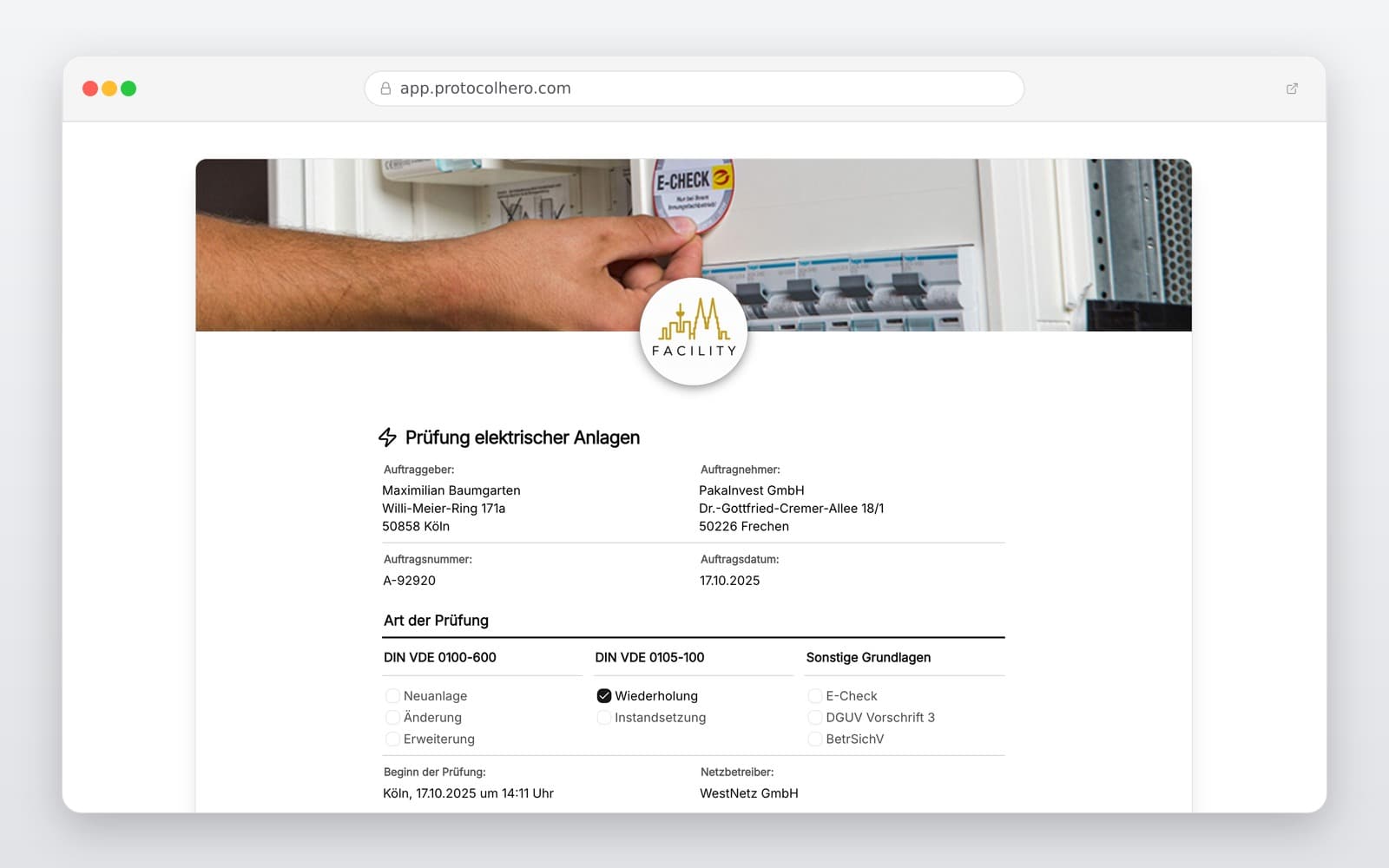
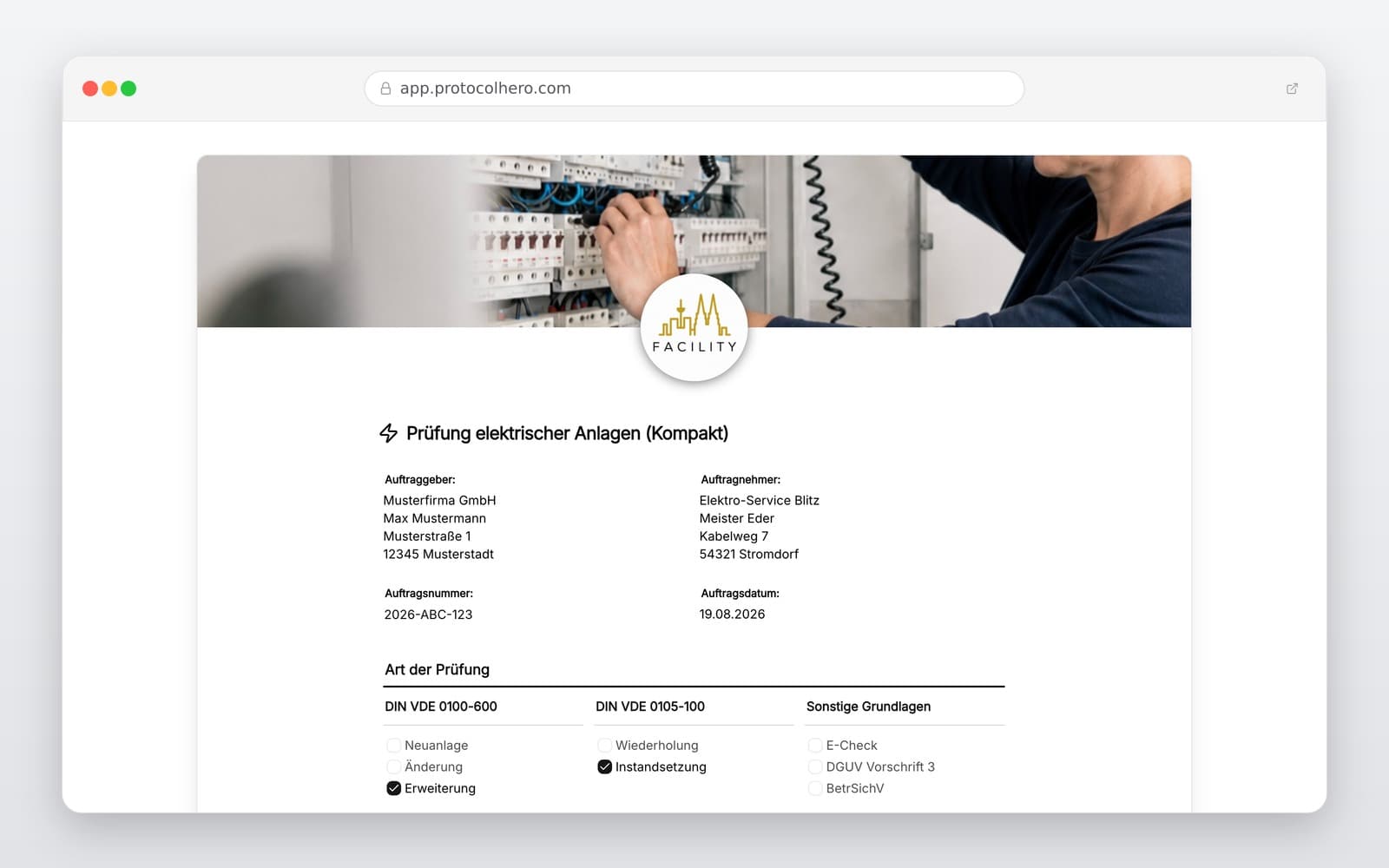
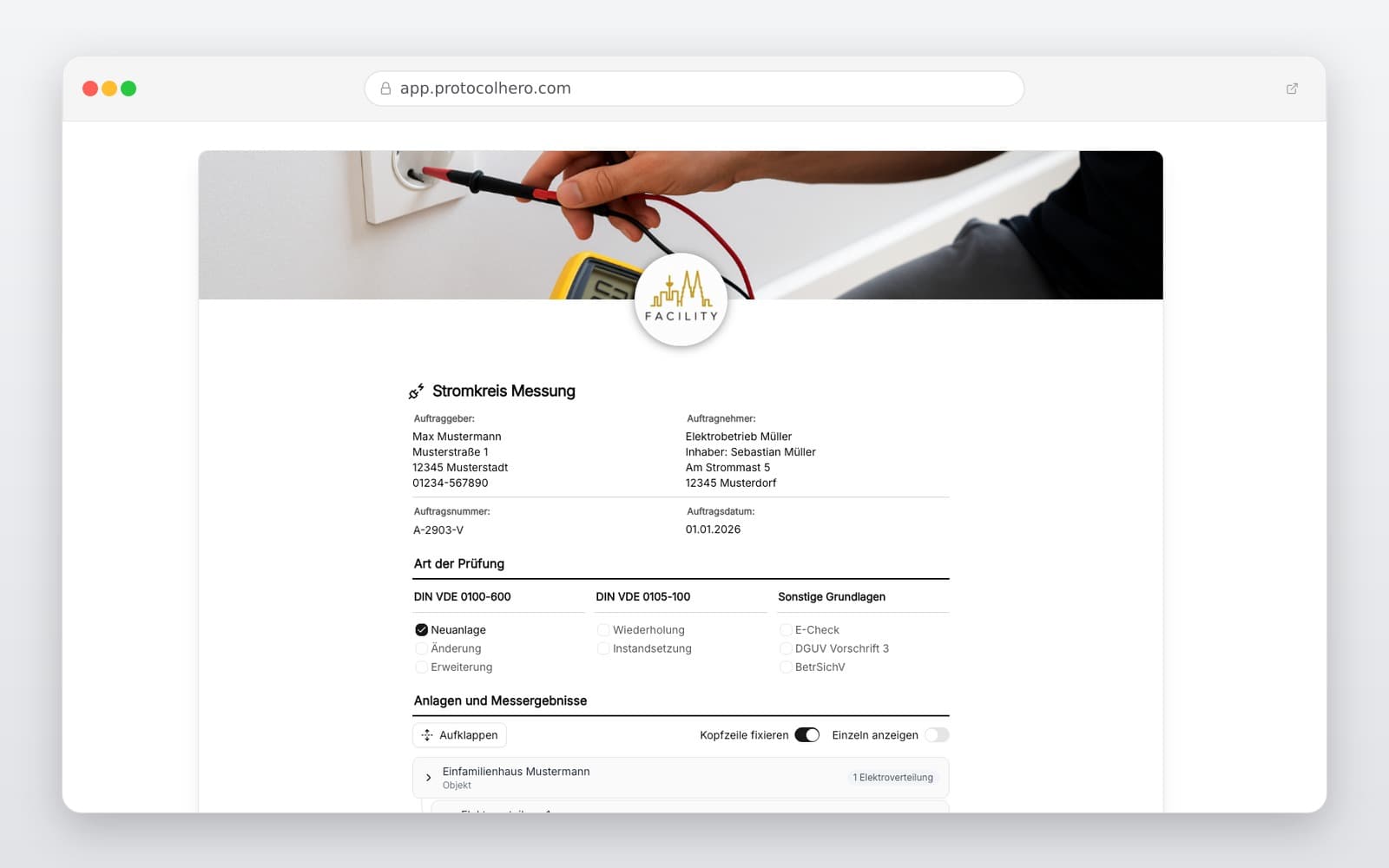
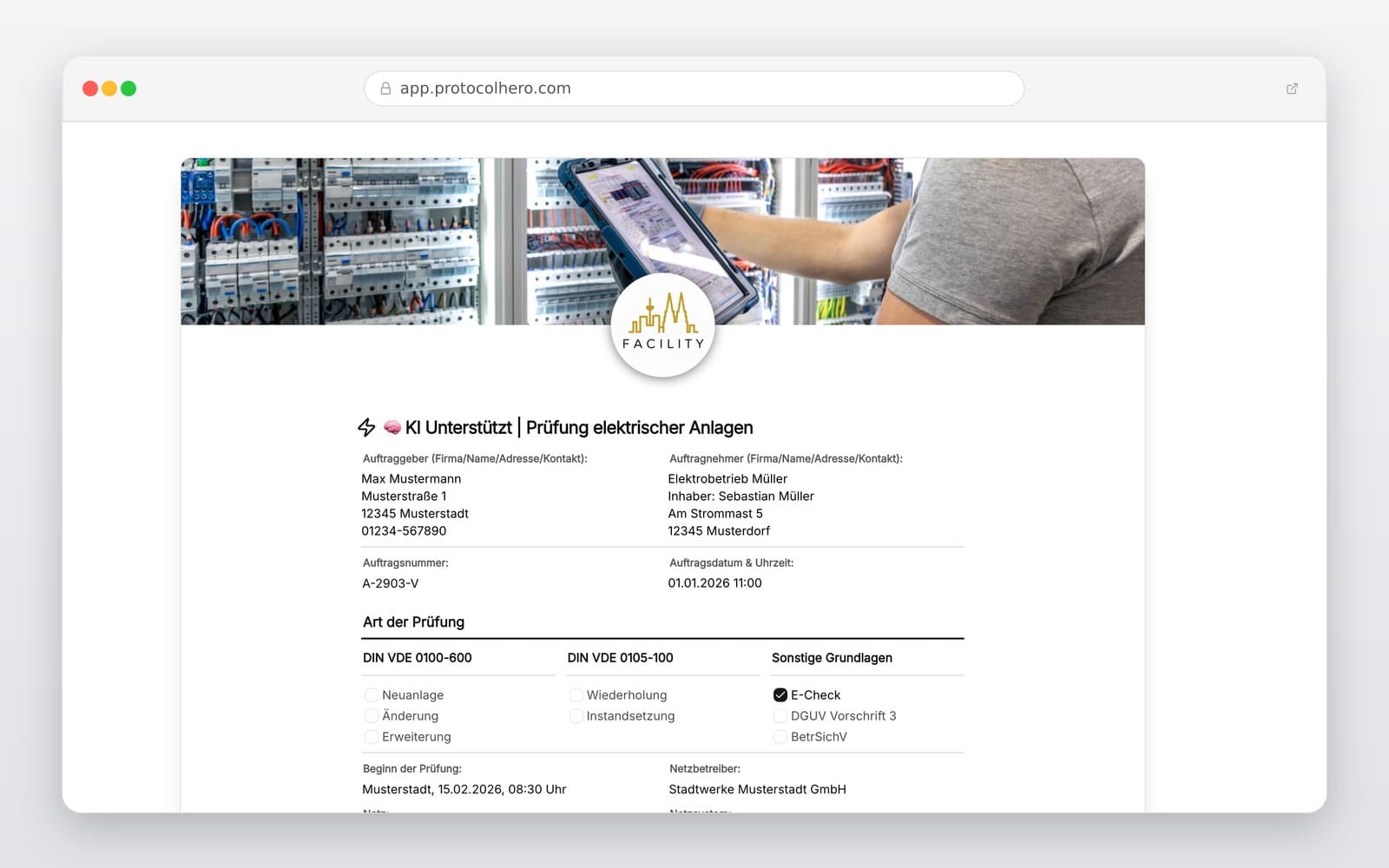
Preview of the “Digital Electrical Circuit Measurement Protocol Template” template
Create free account

Short answer

What is the “Digital Electrical Circuit Measurement Protocol Template” template for?

Create digital circuit measurement protocols: Document protective conductors, insulation resistance, loop impedance & RCD tests professionally and efficiently.

Use case
Elektrotechnik
Captured data
Details on property, installation, distribution board, and circuit, Circuit designation, connected loads, and area/room, Protective device details and relevant circuit data (e.g., MCB rating)
Result
A structured form that can be completed directly in the browser and reused in ProtocolHero.

Check the template against the technical, contractual and legal requirements of the specific case. ProtocolHero does not replace professional assessment.

Inhalt der Vorlage

What is included in the template?

Details on property, installation, distribution board, and circuit

Circuit designation, connected loads, and area/room

Protective device details and relevant circuit data (e.g., MCB rating)

Documentation of protective conductor and continuity tests

Recording of insulation resistance (RISO) and other relevant values

Loop impedance (Zs), disconnection conditions, and RCD test data

Defect logging, notes, and photo documentation

Testing equipment details, tester name, date, and overall evaluation

Live form

Fill out this template directly in the browser

No install needed — complete the form below, attach photos, and submit. Create a free account anytime to save and reuse your own templates.

Document Electrical Circuits Digitally on Site

Allocate measured values clearly, capture defects via photo, and test ProtocolHero for free today.

1. Which Measurements Belong to an Electrical Circuit Test?

A compliant circuit test involves more than just recording a single numerical value. Depending on the installation type, protective measures, and testing occasion, various electrical measurements must be carried out. Standards such as IEC 60364-6 describe the sequence of inspection, testing, and measuring for initial verifications, while local standards govern periodic testing.

The selection and evaluation of the measurements depend on the earthing system, the protective measure, and the connected equipment. Our template serves as a structured guide to lead you through the necessary steps:

  • Continuity of protective conductors and equipotential bonding
  • Insulation resistance (RISO) between active conductors and to earth
  • Loop impedance (Zs) to determine the prospective fault current
  • Line impedance (Zi) and voltage drop
  • RCD testing (disconnection time, tripping current, and touch voltage)
  • Phase rotation for three-phase circuits and general functional tests
2. Clear Allocation of Measured Values: The Key to Traceable Reports

A measured value is useless if it cannot be clearly allocated to a specific measuring point and circuit later on. Recording 'Zs = 0.48 Ω' without context makes troubleshooting extremely difficult. Professional guidelines require a traceable documentation of the relevant measuring points.

Especially in complex industrial installations or larger buildings, a clear hierarchy is highly recommended to ensure full traceability from the building down to the single socket outlet:

  • Building / Floor (e.g., Block B, 2nd Floor)
  • Installation / Distribution Board (e.g., DB-Floor2-West)
  • Upstream RCD (e.g., RCD 2, 30 mA)
  • Circuit & Designation (e.g., Circuit 05 – Office Sockets)
  • Protective Device (e.g., MCB B16)
  • Specific Measuring Point (e.g., furthest socket outlet)

3. Avoiding Typical Mistakes in Circuit Test Reports

In daily practice, handwritten notes on-site often lead to transcription errors or incomplete reports. A classic mistake is entering generic values like 'RISO > 200 MΩ – OK' without assigning them to a specific distribution board or circuit. Forgetting to document the testing instrument used also compromises the legal traceability of the report.

Another risk is confusing limit values with the actual measured values. A tester only provides a raw number. Whether this value is acceptable must be professionally evaluated by the qualified electrician, taking into account the earthing system, cable length, and protective device. ProtocolHero helps you structure this data but does not replace the expert judgment of the technician.

4. Digital Workflow: Test and Document Directly at the Distribution Board

With the ProtocolHero mobile app, you optimize your entire testing workflow. Instead of writing values on paper and manually typing them into Excel spreadsheets back at the office, you enter all data directly on your smartphone or tablet while standing in front of the distribution board.

You select the distribution board, document the protective device, perform the measurement, and enter the value immediately. If you notice a defect—such as a damaged socket cover—you can instantly add a photo and a description to that specific circuit. Once evaluated, the professional PDF report is ready to be sent to your client.

Häufige Fragen

Fragen zur Vorlage „Digital Electrical Circuit Measurement Protocol Template"

Mehr als eine Vorlage

Was ProtocolHero zusätzlich für dich übernimmt

Eine Vorlage allein ist erst der Anfang – ProtocolHero macht aus jedem Protokoll einen durchgängigen digitalen Workflow mit KI-Unterstützung, Workflow-Freigaben und revisionssicherem Archiv.

HERO Assistant – KI-Chat für Dokumentenerstellung

Der HERO Assistant ist der eingebaute KI-Chat von ProtocolHero. Du kannst per Spracheingabe ein komplettes Dokument anlegen lassen oder ein bestehendes PDF, Foto oder Word-Dokument hochladen – die KI liest die Struktur aus und baut eine wiederverwendbare Vorlage daraus.

Auto-Fill aus Sprache, Foto und Datei

Beim Ausfüllen kannst du das Dokument per Sprachsteuerung diktieren – die KI ordnet die Inhalte automatisch den richtigen Feldern zu. Oder du lädst Fotos, Scans, Verträge, Datenblätter oder Ausweise hoch: Der HERO Assistant extrahiert die Daten und befüllt das Formular vor – du prüfst und unterschreibst.

Foto- und Video-Upload direkt im Dokument

Zu jedem Bauteil, Messpunkt oder Schadensbild kannst du Fotos und Videos direkt aus der App anhängen. Videos sind besonders nützlich, wenn ein Schadensbild dynamisch ist – ein einzelnes Standbild würde den Befund nicht ausreichend dokumentieren.

Kommentare als Aufgaben – intern und mit dem Kunden

Jede Position im Dokument kann kommentiert und als Aufgabe an einen Kollegen, an dich selbst oder direkt an den Kunden zugewiesen werden. Kommentare können wahlweise rein intern bleiben oder im freigegebenen Kundenlink mitgeteilt werden.

Workflow: Bearbeiter zuweisen, Prüfer freigeben

Dokumente lassen sich an Kollegen weiterleiten und können einen festen Prüfer haben, der die letzte fachliche Freigabe erteilt, bevor das Dokument unterschrieben oder an den Kunden geht.

Activity-Log für lückenlose Nachvollziehbarkeit

Jedes Dokument hat einen vollständigen Aktivitäts-Verlauf: Wer hat wann was geändert, kommentiert, hochgeladen, freigegeben, unterschrieben. Das Log ist auf Wunsch auch im Kunden-Freigabelink sichtbar – ideal für Auditoren, Versicherer und Kunden.

Eindeutige Protocol-ID je Dokument

Jedes Dokument bekommt automatisch eine eindeutige Protocol-ID, mit der es sich zweifelsfrei referenzieren, verlinken und im Audit-Trail wiederfinden lässt.

Automatische Berichts-Nummerierung

Neu

Fortlaufende, lückenlose Berichts-Nummern (z. B. Protokoll-2026-001, 002, 003 …) je Dokumenttyp und Kunde – ohne manuelles Vergeben, ohne Dubletten.

Web-Formular & Inbox

Neu

Vorlagen lassen sich als öffentliches Web-Formular auf der eigenen Website einbinden – ein ausgefülltes Dokument landet automatisch in deiner ProtocolHero-Inbox zur Weiterbearbeitung.

QR-Code-Etiketten für Anlagen und Bauteile

Neu

QR-Code-Etiketten pro Anlage, Bauteil oder Abschottung, die beim Scannen direkt das hinterlegte Protokoll, die Historie und alle Wartungs- bzw. Prüfdokumente öffnen.

1.302 × genutzt

Diese Vorlage in 2 Minuten selbst nutzen

Vorlage übernehmen, an deinen Betrieb anpassen und direkt vor Ort ausfüllen – kostenlos testen, keine Kreditkarte nötig.