Elektroprüfung6 Min Lesezeit

Electrical Installation Test Report (Compact) – Fill out VDE 0100-600 template directly

The compact version of our popular template for testing electrical installations – leaner, faster to fill out, designed for direct use at the installation. This digital test report template allows you to document initial and periodic inspections of your electrical systems efficiently right on your smartphone or tablet on-site. Say goodbye to re-typing notes at the office and use a guided, time-saving workflow instead.

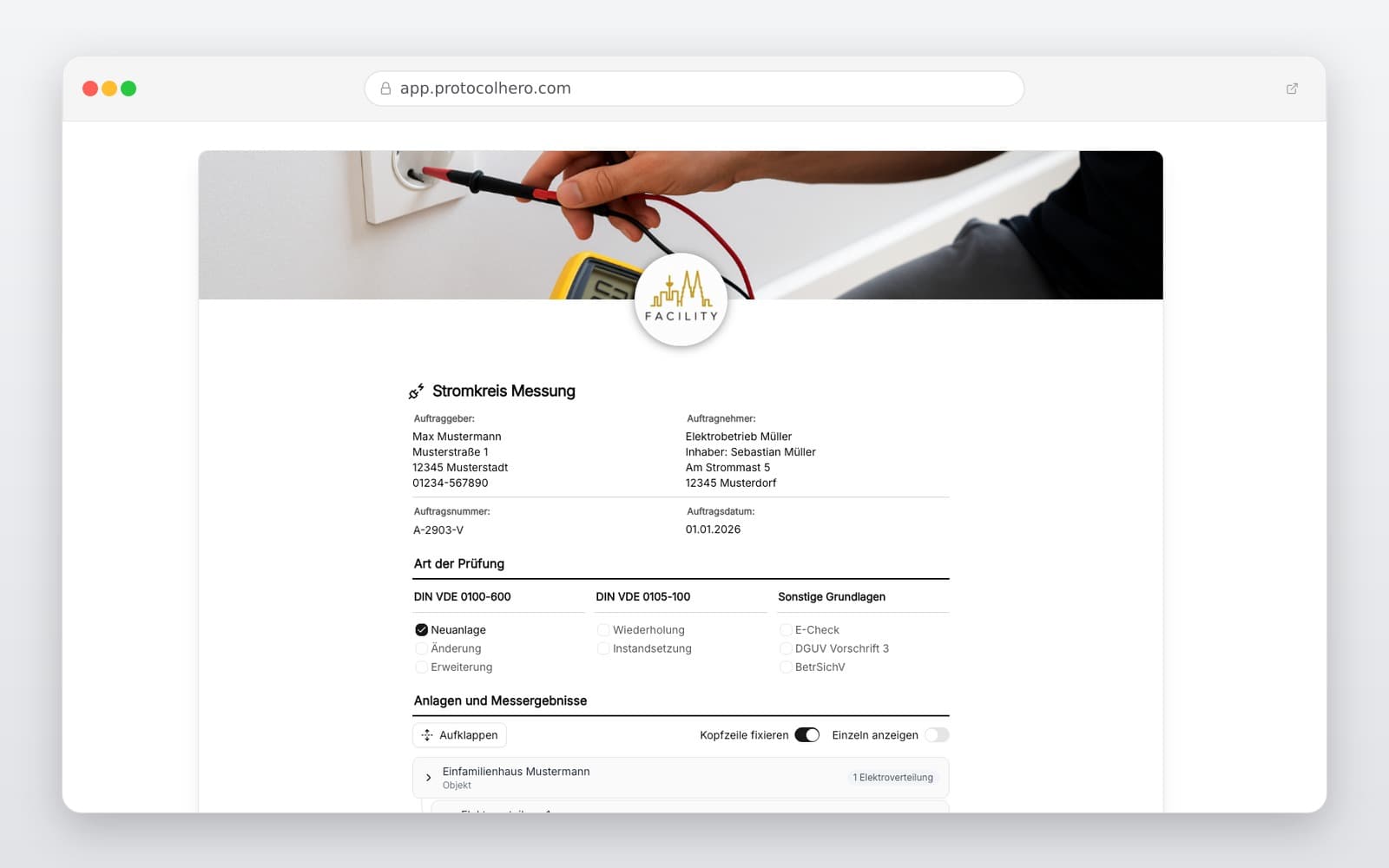
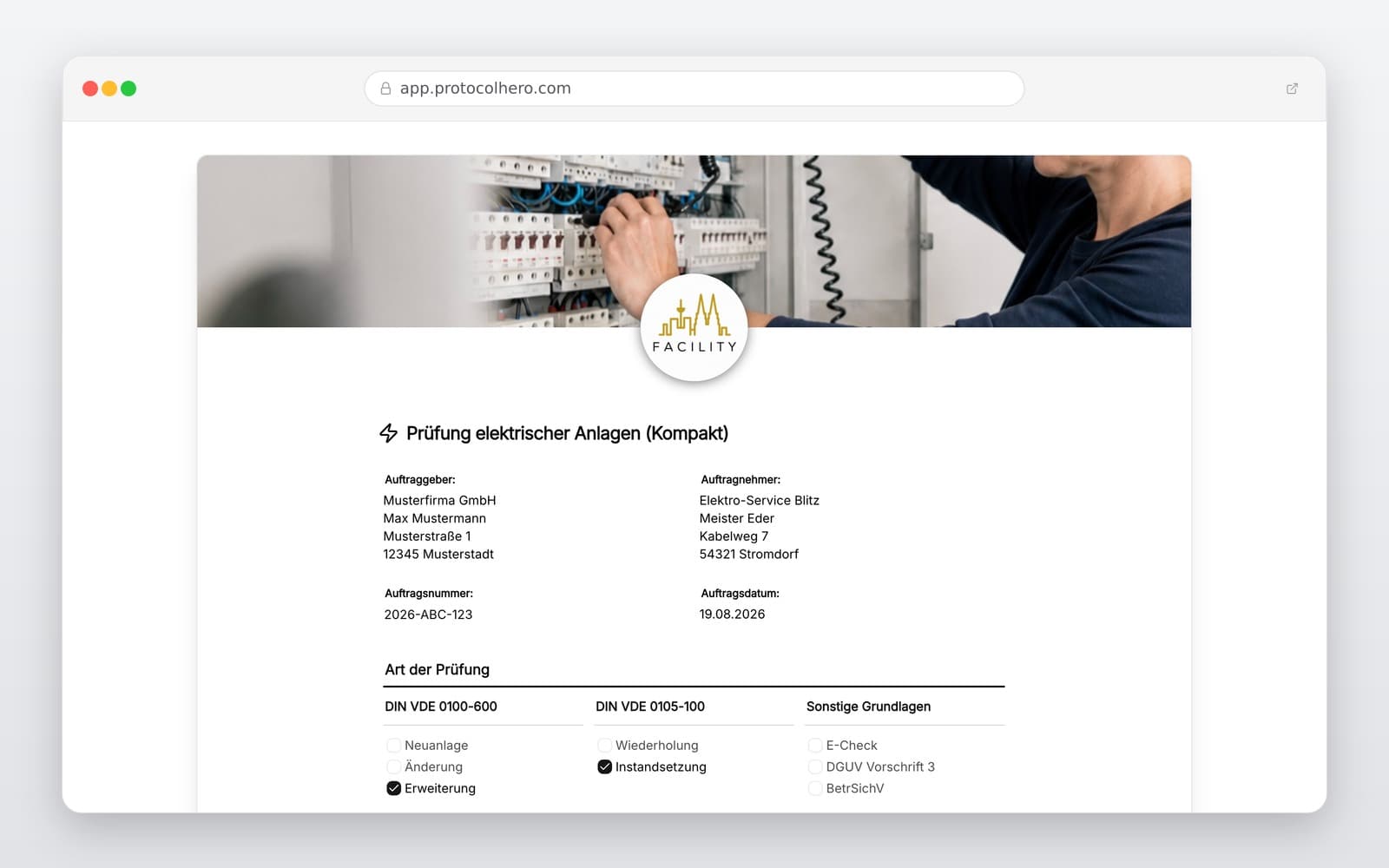
Vorschau der Vorlage „Electrical Installation Test Report (Compact) – Fill out VDE 0100-600 template directly"
Create free account
Inhalt der Vorlage

What is included in this template?

Order and system data (customer, property, system part, reason for testing)

Guided workflow across multiple sections instead of endless scrolling

Visual inspection: Easily check off and comment on key inspection points

Defect logging: Capture unlimited defects with photos and draw directly on the image

Measurement table per circuit with pre-loaded limit values for guidance

AI Inspection: Automatic recognition of visible anomalies via photo of the distribution board

AI Measurement Table: Automatically generate circuits and limit values from a photo

Test result, remarks, and digital signature directly on the device

Completed test report sent to your email address as a professional PDF instantly

Live form

Fill out this template directly in the browser

No install needed — complete the form below, attach photos, and submit. Create a free account anytime to save and reuse your own templates.

Fill out your electrical test report digitally now

Use this compact template permanently for free. Receive the completed PDF instantly by email.

No More Clipboard Chaos: Why Traditional Test Reports Often Fail

In practice, clean documentation usually fails not due to lack of expertise, but because of media disruption. Measured values are written on scrap paper, defect photos sit unsorted in the smartphone gallery, and the actual form is clamped to a physical clipboard. In the evening, all these pieces have to be manually typed into an Excel or PDF template. This wastes valuable free time and leads to mistakes.

With our modern test report app, you solve this problem instantly. You can fill out the test report while standing right in front of the electrical installation. All data, photos, and measurements are consolidated on-site into a single, clean document.
Guided Workflow and Seamless Defect Documentation

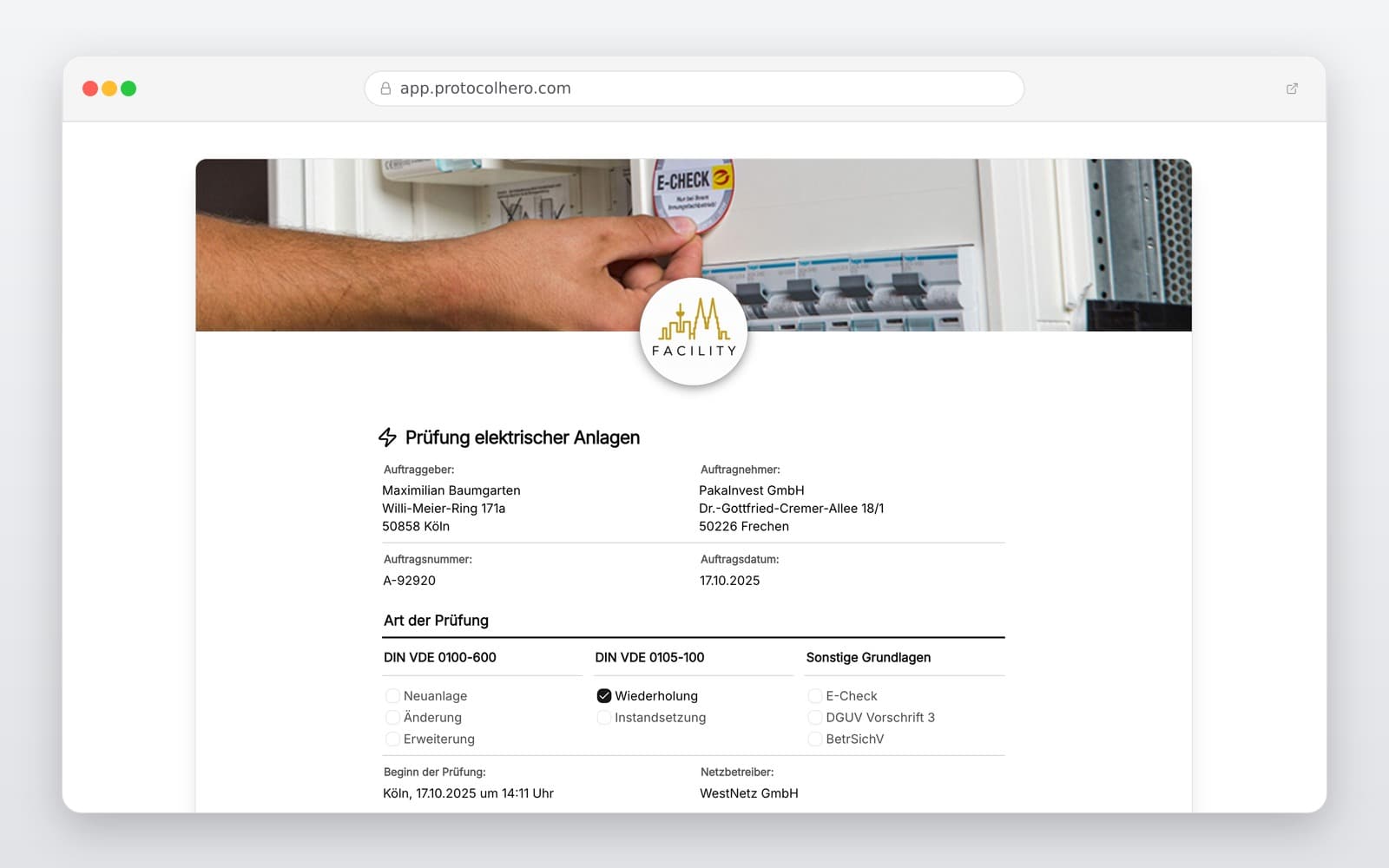
Instead of fighting your way through a confusing, long paper form, our digital template guides you step-by-step through the inspection. You only see the current section, keeping your workspace clean and organized. This ensures no critical inspection step is overlooked.

If you find defects during the visual inspection, you can document them immediately. Simply take a photo and highlight the faulty part directly on the screen with your finger. This makes it crystal clear for customers, subcontractors, or your own team where action is needed.

AI Power for Inspections and Measurement Tables

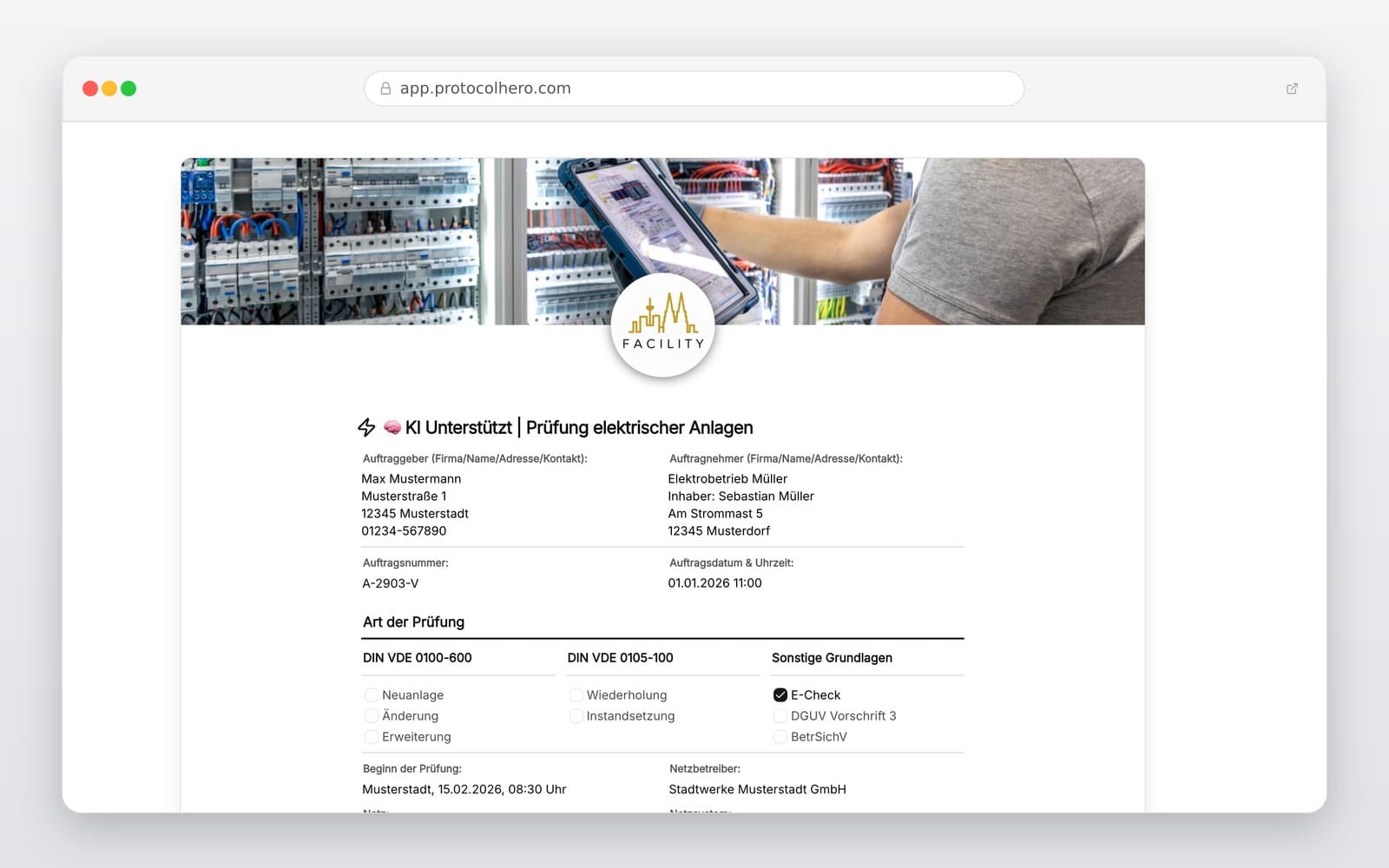
Our smart AI features save you valuable minutes during electrical testing. Use the AI Inspection by taking a photo of the distribution board – the AI immediately lists visible anomalies matching the inspection points of your protocol.

It's even faster with the AI Measurement Table: Photograph the circuit labeling of the distribution board. The AI automatically creates the table with the recognized circuits and device names. Additionally, appropriate limit values are pre-filled as placeholder guidelines. This way, you can see instantly if a measured value falls within the permitted range. Note: The AI provides a smart suggestion to save time – the technical evaluation and final responsibility always remain with you as the qualified electrician.

Why Digital Beats Excel and Static PDF Templates

Many businesses still use a classic electrical installation measurement log template in Excel or as a static PDF. This means printing templates, writing by hand, scanning, and archiving. A digital workflow is superior in every way.

With ProtocolHero, you don't need to print or digitize anything afterwards. After a successful inspection, you and your customer sign directly on the display of your smartphone or tablet. You will receive the completed test report by email immediately as a secure PDF document for your records or to forward directly to your client.

  • No printing and no tedious re-typing in the office required
  • Photos and drawings are integrated directly into the PDF report
  • Digital signature directly on-site on your mobile device
  • Oriented towards standard testing procedures according to DIN VDE 0100-600 and DIN VDE 0105-100
Häufige Fragen

Fragen zur Vorlage „Electrical Installation Test Report (Compact)"

Mehr als eine Vorlage

Was ProtocolHero zusätzlich für dich übernimmt

Eine Vorlage allein ist erst der Anfang – ProtocolHero macht aus jedem Protokoll einen durchgängigen digitalen Workflow mit KI-Unterstützung, Workflow-Freigaben und revisionssicherem Archiv.

HERO Assistant – KI-Chat für Dokumentenerstellung

Der HERO Assistant ist der eingebaute KI-Chat von ProtocolHero. Du kannst per Spracheingabe ein komplettes Dokument anlegen lassen oder ein bestehendes PDF, Foto oder Word-Dokument hochladen – die KI liest die Struktur aus und baut eine wiederverwendbare Vorlage daraus.

Auto-Fill aus Sprache, Foto und Datei

Beim Ausfüllen kannst du das Dokument per Sprachsteuerung diktieren – die KI ordnet die Inhalte automatisch den richtigen Feldern zu. Oder du lädst Fotos, Scans, Verträge, Datenblätter oder Ausweise hoch: Der HERO Assistant extrahiert die Daten und befüllt das Formular vor – du prüfst und unterschreibst.

Foto- und Video-Upload direkt im Dokument

Zu jedem Bauteil, Messpunkt oder Schadensbild kannst du Fotos und Videos direkt aus der App anhängen. Videos sind besonders nützlich, wenn ein Schadensbild dynamisch ist – ein einzelnes Standbild würde den Befund nicht ausreichend dokumentieren.

Kommentare als Aufgaben – intern und mit dem Kunden

Jede Position im Dokument kann kommentiert und als Aufgabe an einen Kollegen, an dich selbst oder direkt an den Kunden zugewiesen werden. Kommentare können wahlweise rein intern bleiben oder im freigegebenen Kundenlink mitgeteilt werden.

Workflow: Bearbeiter zuweisen, Prüfer freigeben

Dokumente lassen sich an Kollegen weiterleiten und können einen festen Prüfer haben, der die letzte fachliche Freigabe erteilt, bevor das Dokument unterschrieben oder an den Kunden geht.

Activity-Log für lückenlose Nachvollziehbarkeit

Jedes Dokument hat einen vollständigen Aktivitäts-Verlauf: Wer hat wann was geändert, kommentiert, hochgeladen, freigegeben, unterschrieben. Das Log ist auf Wunsch auch im Kunden-Freigabelink sichtbar – ideal für Auditoren, Versicherer und Kunden.

Eindeutige Protocol-ID je Dokument

Jedes Dokument bekommt automatisch eine eindeutige Protocol-ID, mit der es sich zweifelsfrei referenzieren, verlinken und im Audit-Trail wiederfinden lässt.

Automatische Berichts-Nummerierung

Neu

Fortlaufende, lückenlose Berichts-Nummern (z. B. Protokoll-2026-001, 002, 003 …) je Dokumenttyp und Kunde – ohne manuelles Vergeben, ohne Dubletten.

Web-Formular & Inbox

Neu

Vorlagen lassen sich als öffentliches Web-Formular auf der eigenen Website einbinden – ein ausgefülltes Dokument landet automatisch in deiner ProtocolHero-Inbox zur Weiterbearbeitung.

QR-Code-Etiketten für Anlagen und Bauteile

Neu

QR-Code-Etiketten pro Anlage, Bauteil oder Abschottung, die beim Scannen direkt das hinterlegte Protokoll, die Historie und alle Wartungs- bzw. Prüfdokumente öffnen.

103 × genutzt

Diese Vorlage in 2 Minuten selbst nutzen

Vorlage übernehmen, an deinen Betrieb anpassen und direkt vor Ort ausfüllen – kostenlos testen, keine Kreditkarte nötig.